How to View Valuation Details in Account Overview?
On Eqvista, you can manage your shareholders, common equity, cap tables, and company valuation in one place without any trouble.
The account overview feature allows you to easily view and manage your valuation in just a few clicks.
View valuation details in account overview
Here are the steps to follow:
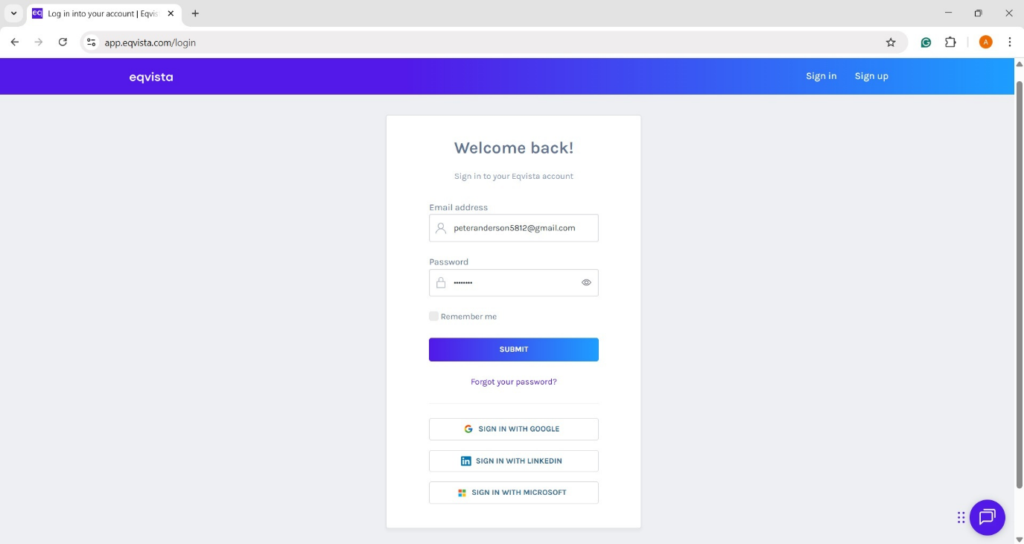
Step 1: Log into Eqvista and choose your company.
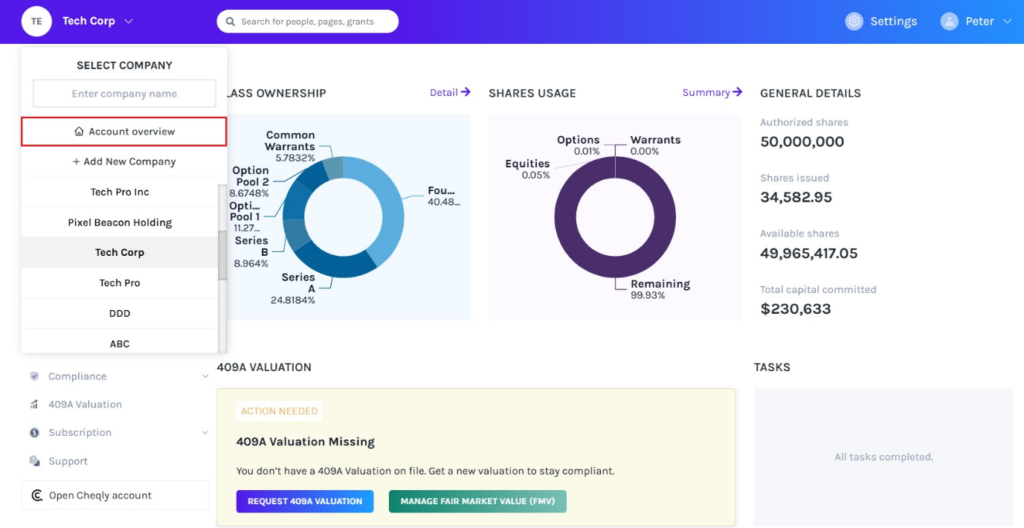
On the dashboard, click on company name to get a drop-down menu and select “Account Overview”.
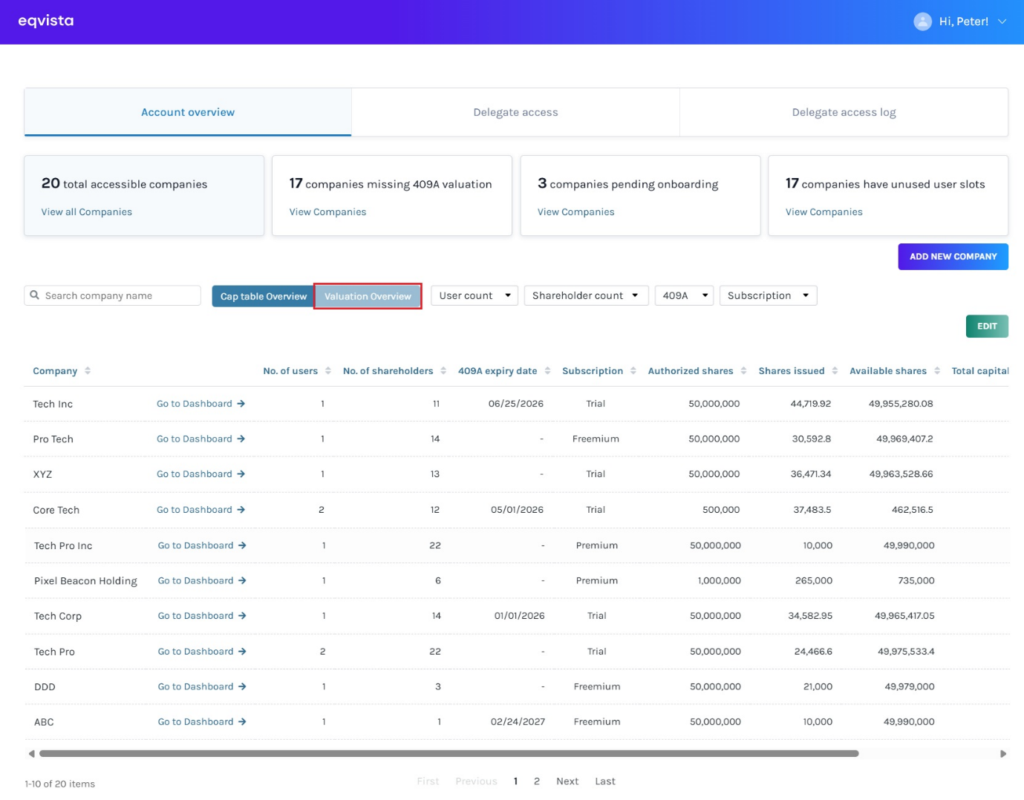
Step 2: Here, it displays the cap table overview and data to manage your multiple company accounts.
Note: By default, it shows the cap table overview, and to understand the section in detail, check out the support article here!
To view the valuation of companies, click on “Valuation Overview”.
Step 3: On this page, you can view and manage your valuation of multiple company accounts. To view the next pages, scroll down and click on the page number.
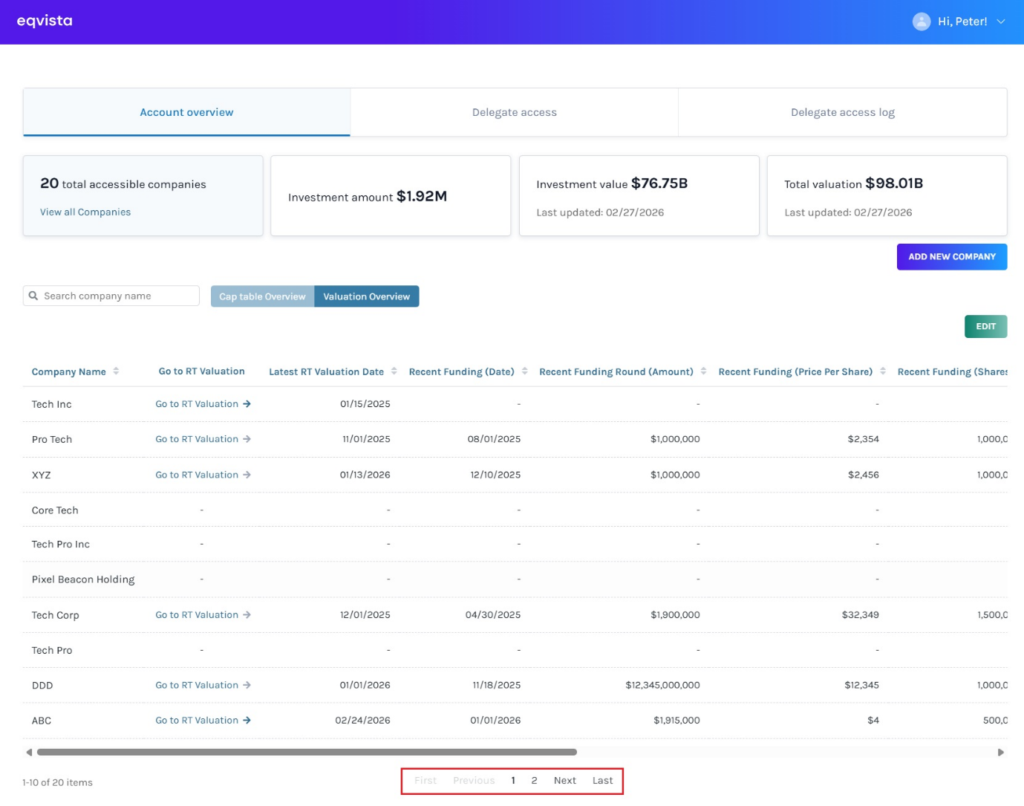
A detailed feature-by-feature analysis of the valuation overview section will help you understand it better.
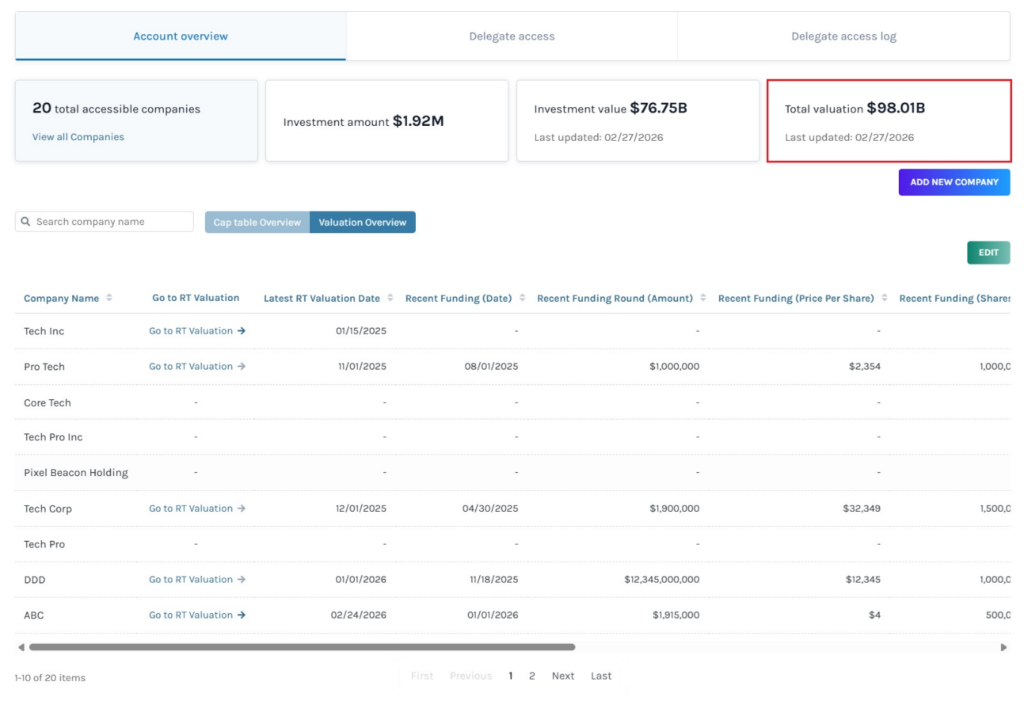
Panel 1
The number displays the total accessible companies with the following access types: full access, limited view, or full view permission. Click on “View Companies” to view them.
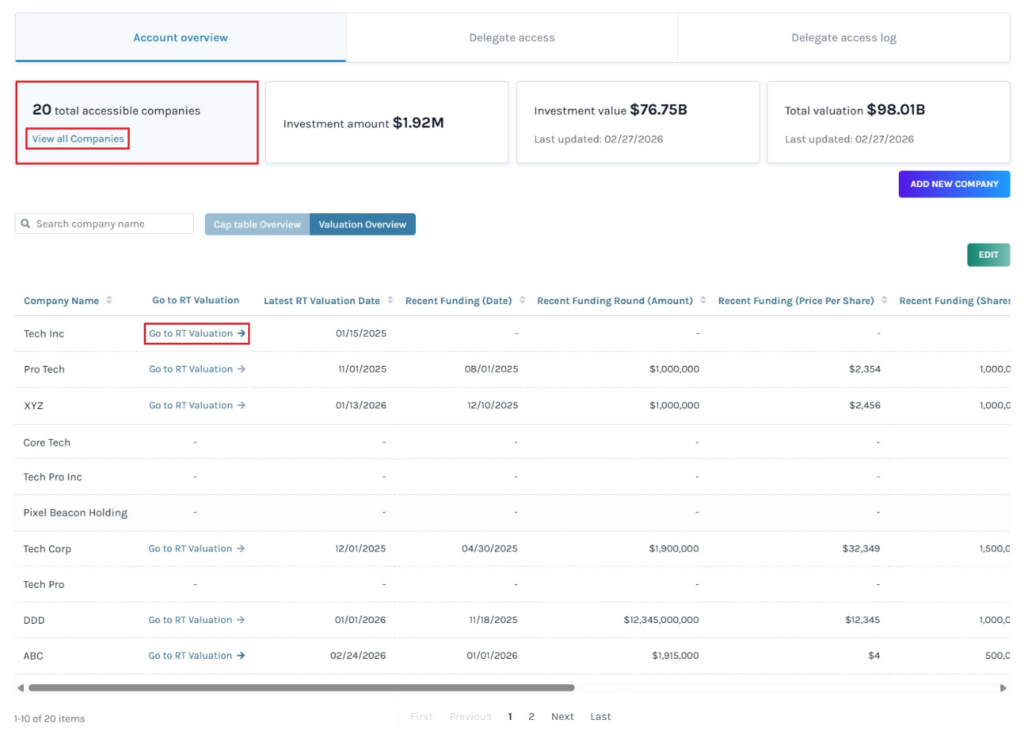
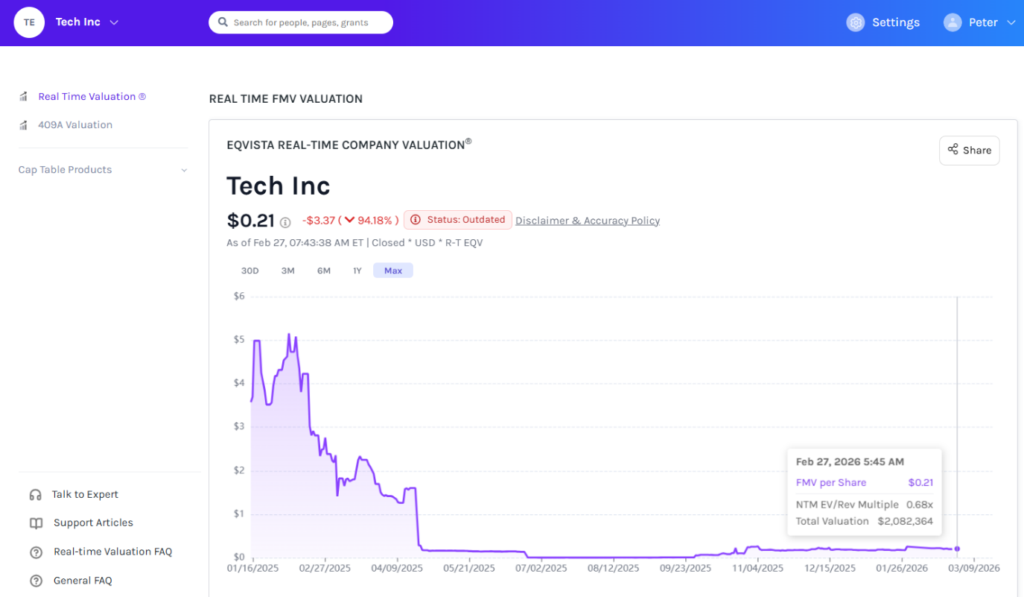
The “Go to RT Valuation ->” on the right of the company name redirects to the real time valuation page of the company.
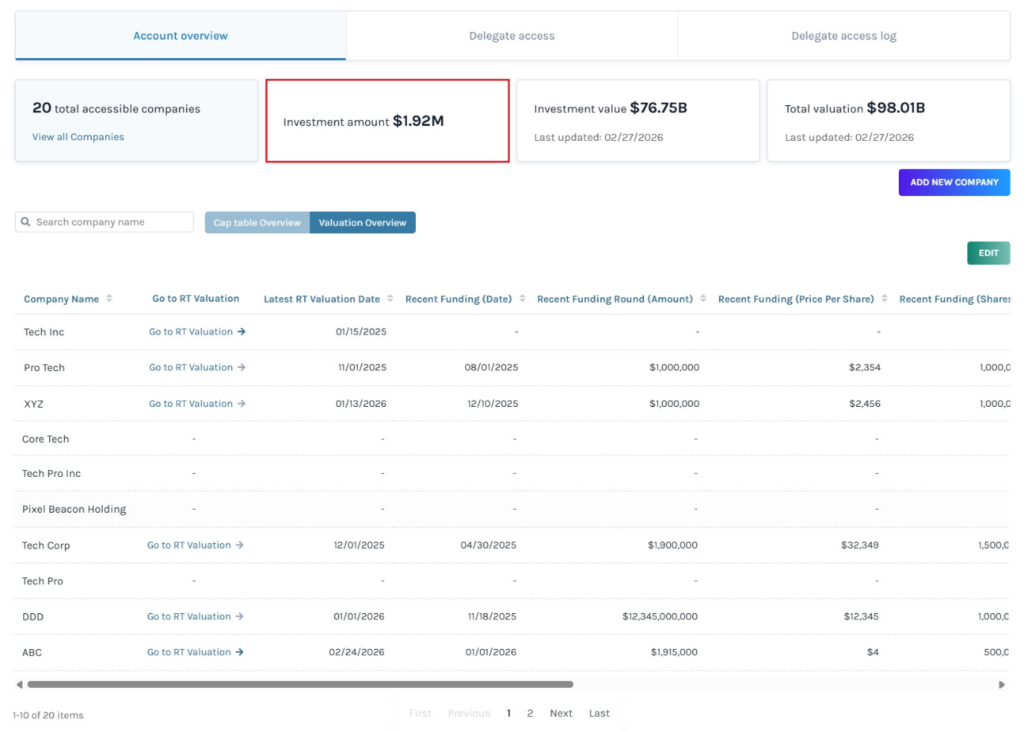
Panel 2
The next section on the top right of the page, displays the investment amount.
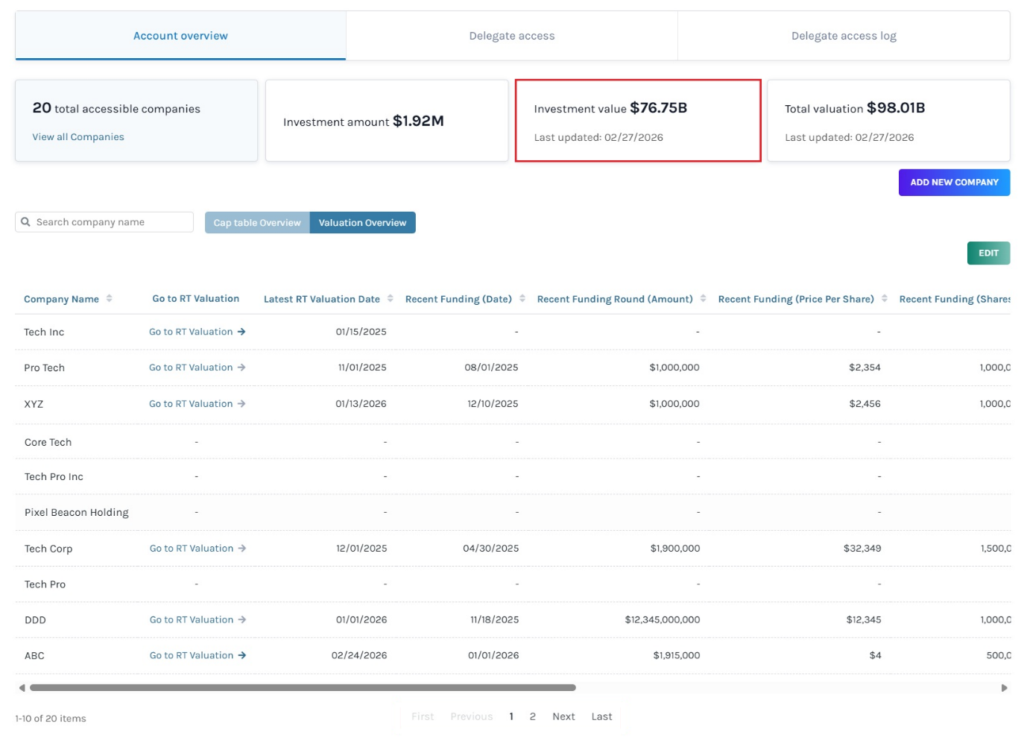
Panel 3
In the next section, you will see the investment value along with the date displaying last updated.
Panel 4
The last section on the top right of the page shows the total valuation along with the date displaying last updated.
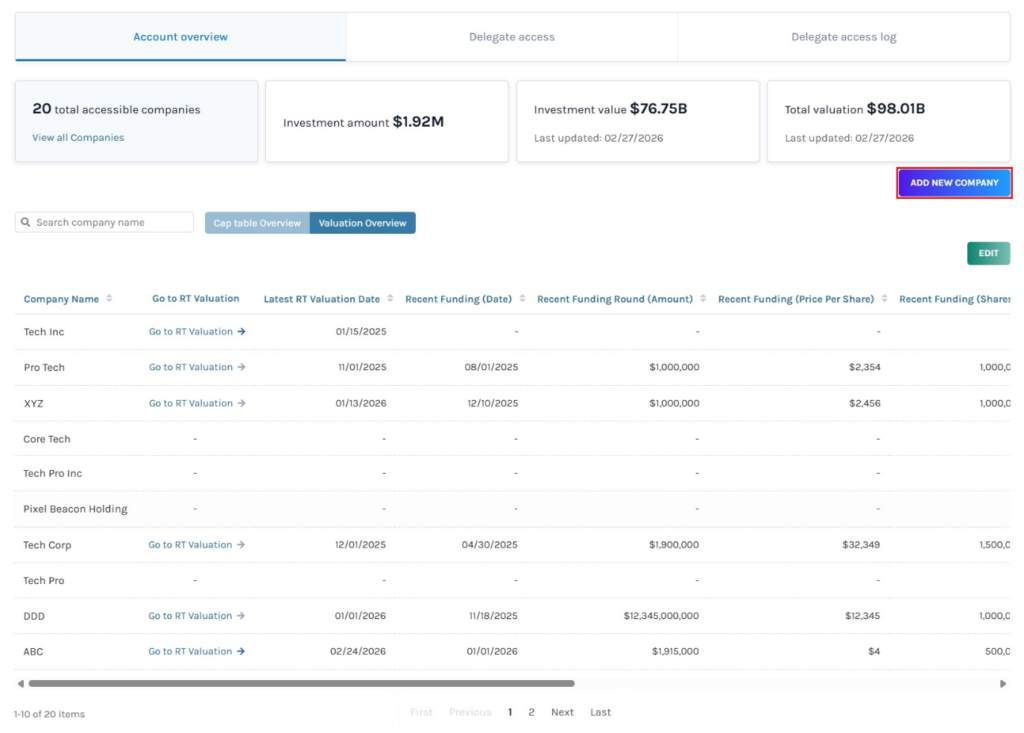
Add new company
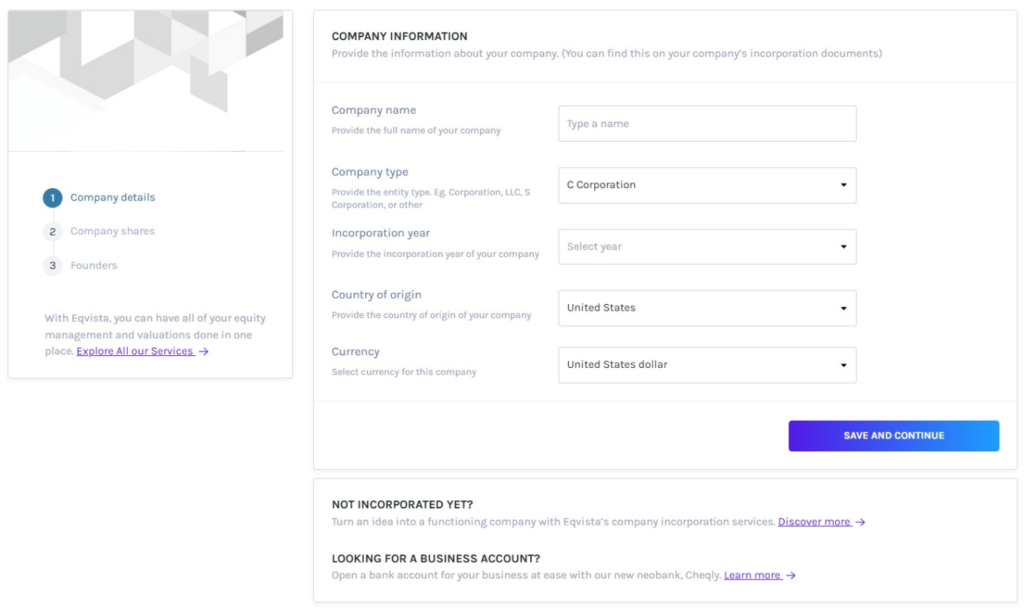
Below, to the right of the four panels, you can add a new company to your account from here by clicking on “Add New Company”.
Once you click, it directs you to the page, where you can add a company by filling in the details.
Edit
Suppose you would like to hide, show, or reorder the columns. Then, click on “Edit” on the right side of the page, as shown below.
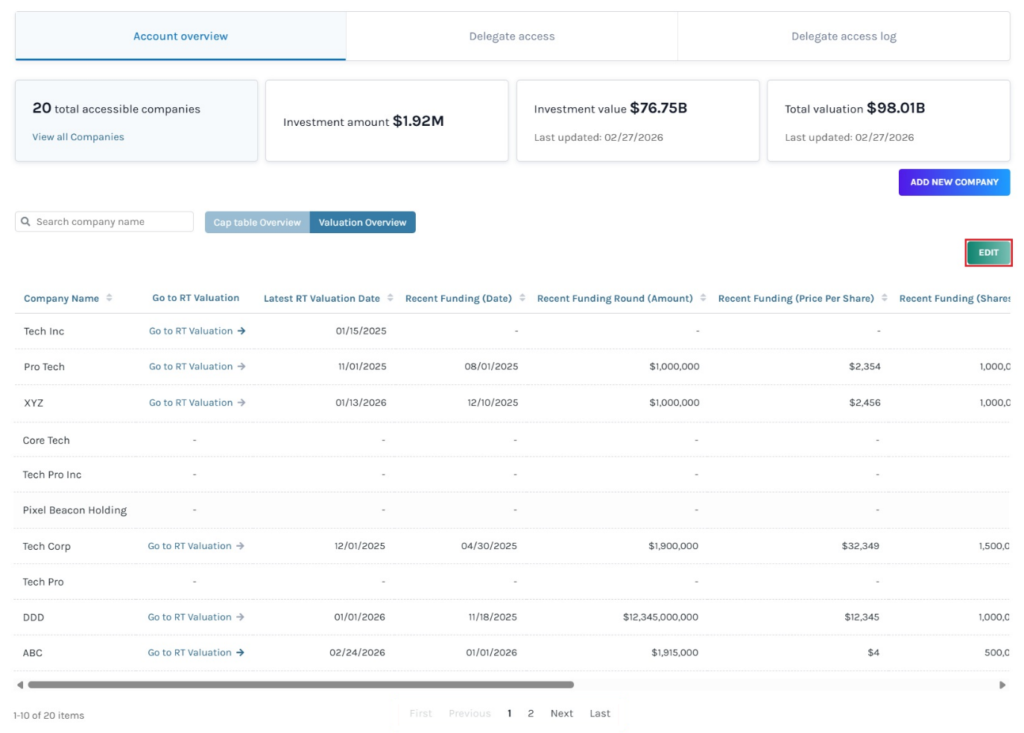
A pop-up panel allows you to drag columns to reorder, along with an option to check or uncheck to show or hide columns.
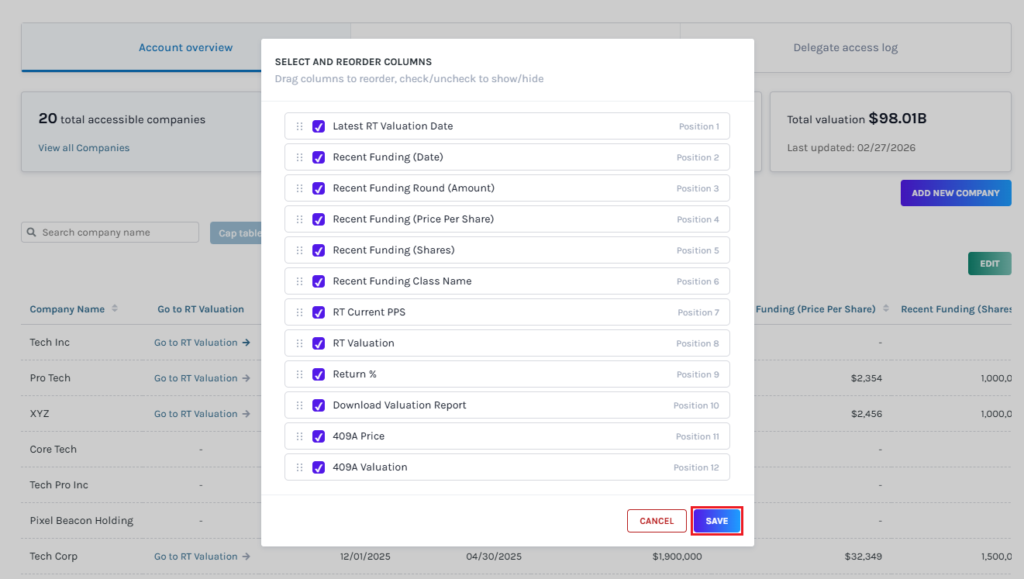
Once done, click on “Save”.
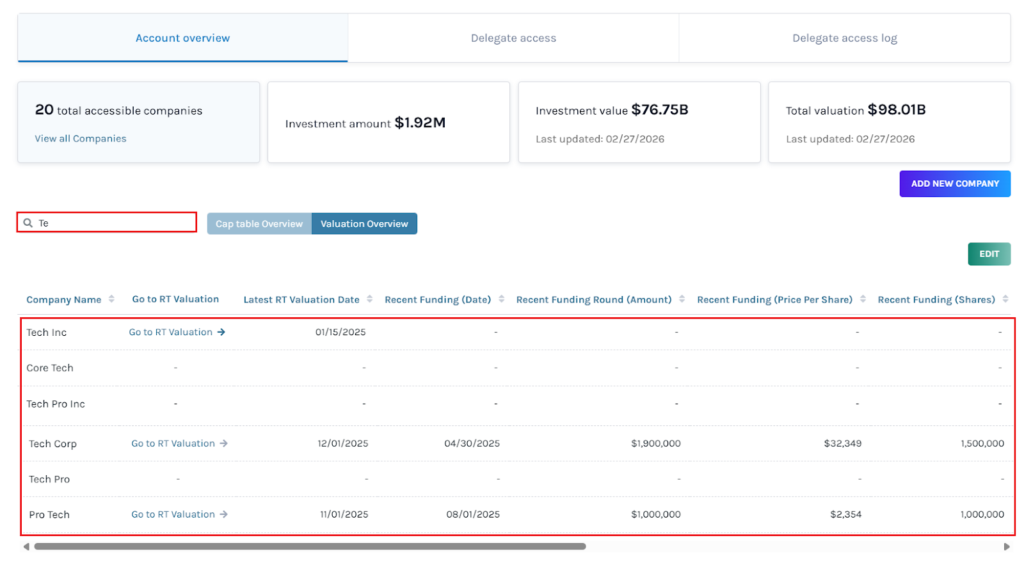
Search company name
Let’s assume that you want to search for a company using its name. Then, type the name in the search bar.
Valuation report
The valuation report holds all information regarding the company’s valuation. To download the valuation report, scroll to the right of the page and click on “Valuation Report”.
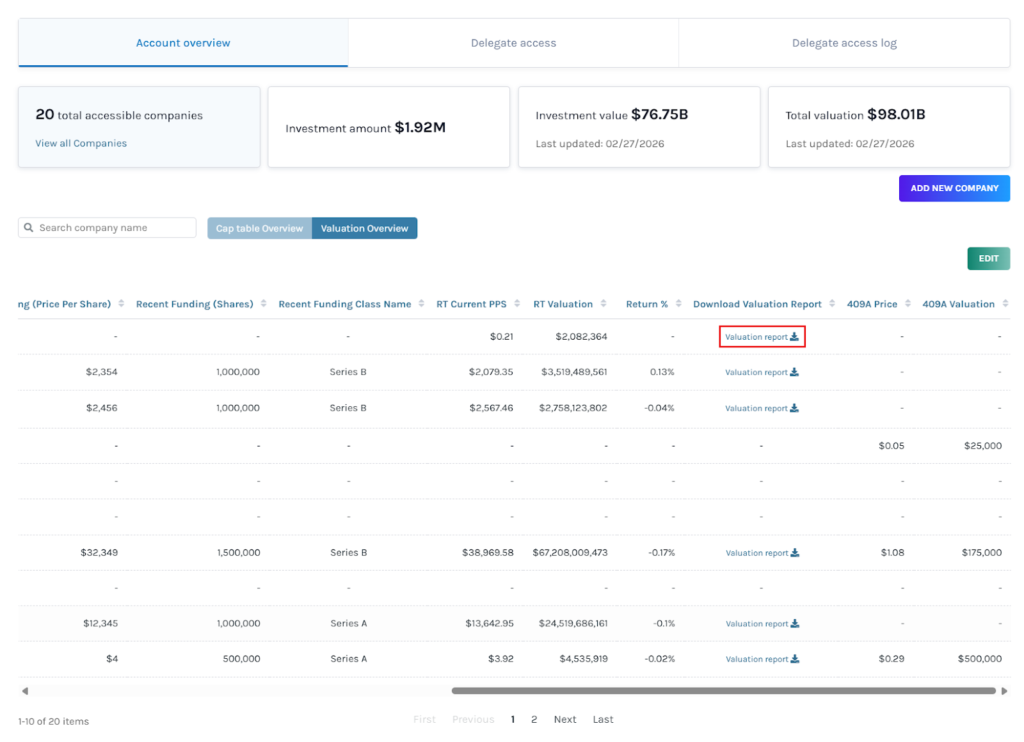
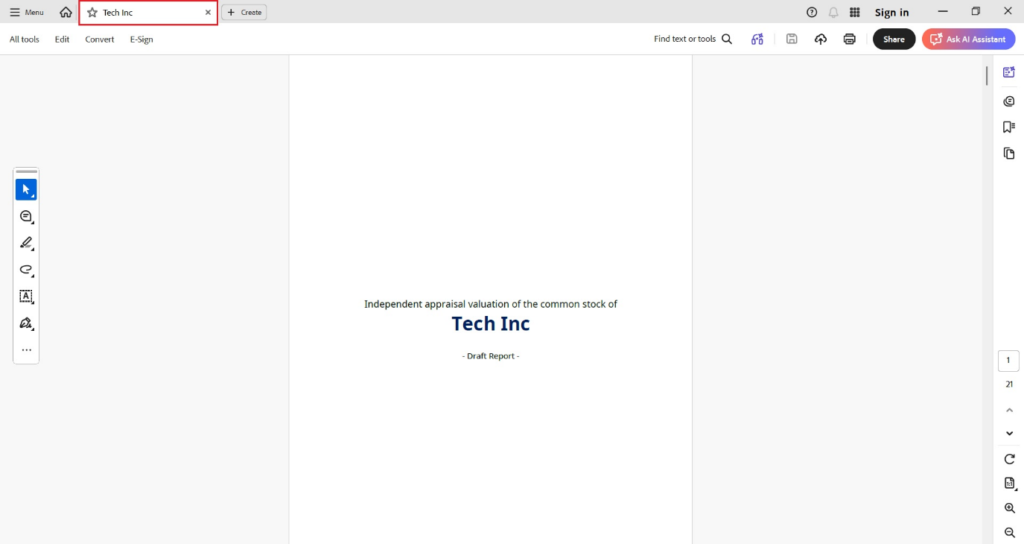
Once you click, the report gets downloaded as a PDF in your Downloads.
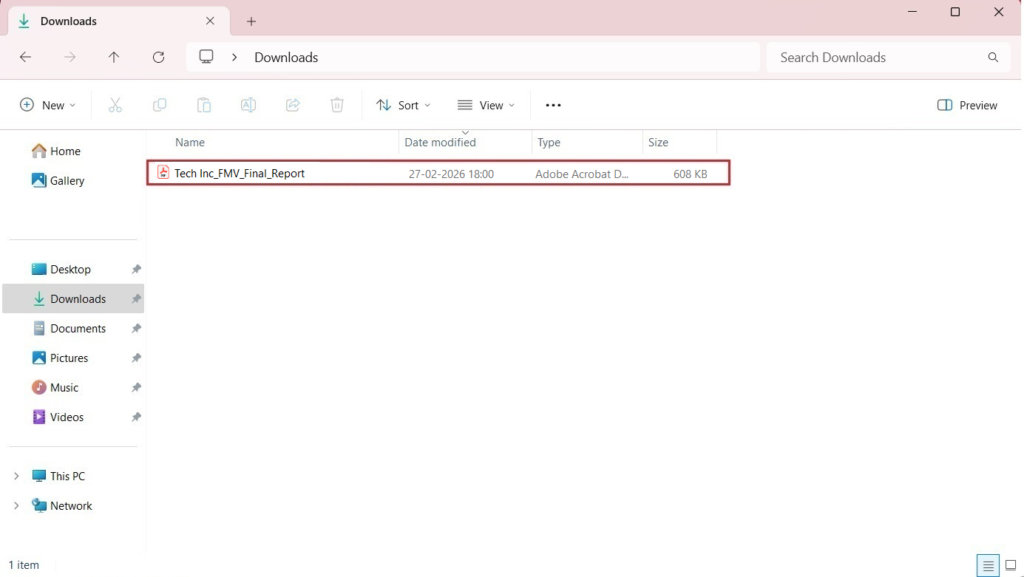
Double-click the PDF to open the downloaded report in your system.
If you want to understand Eqvista, check out our support articles or contact us today!
