View Documents in the Grant
Eqvista allows you to view the documents attached to the grant along with the shares issued.
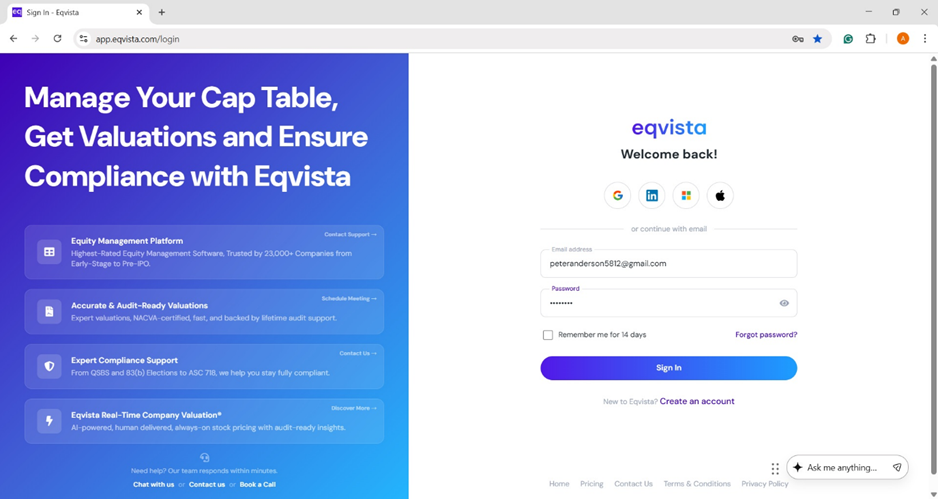
Log into Eqvista account and select your company.
Shares and securities
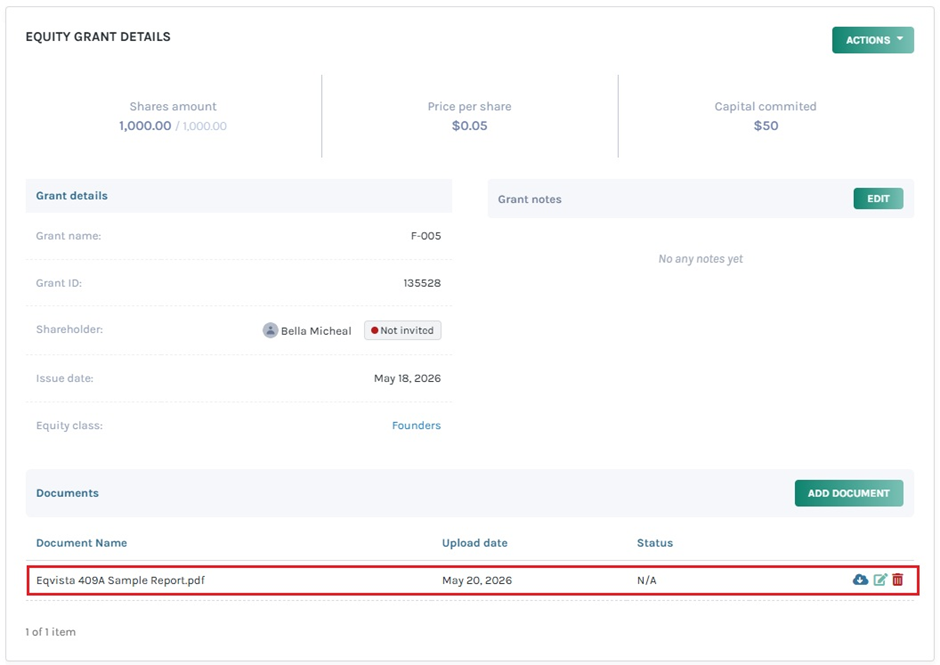
If you have already issued shares and securities, and would like to attach document to the grant. To attach a document, click on “Add Document”. The document will be added, and you will be able to perform the following functions:
#1 Download
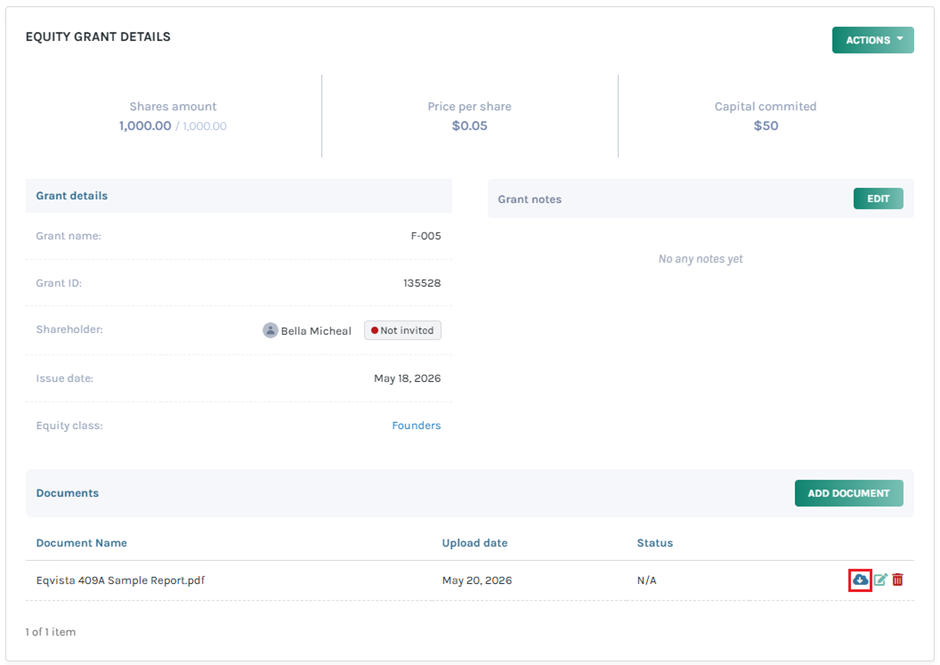
Suppose you want to download the file, click on:
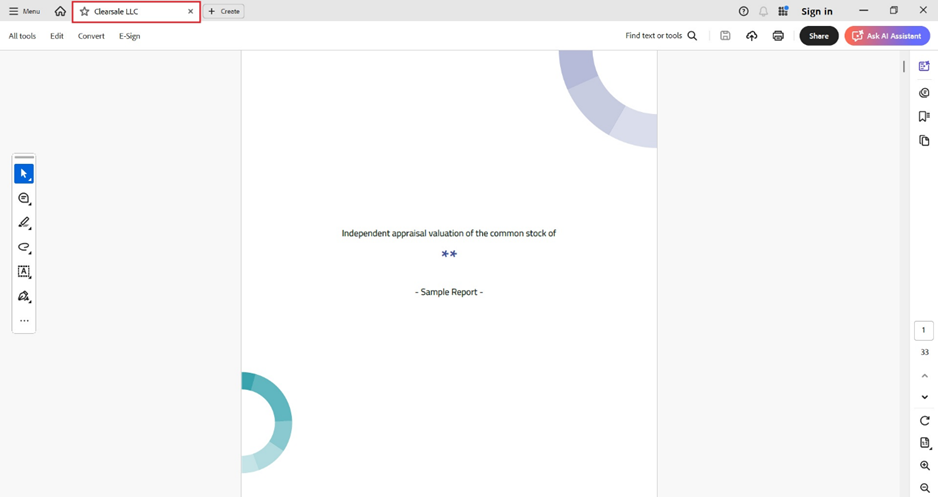
Once you click, the document gets downloaded to your Downloads. In this instance, the document gets downloaded as an Excel sheet.
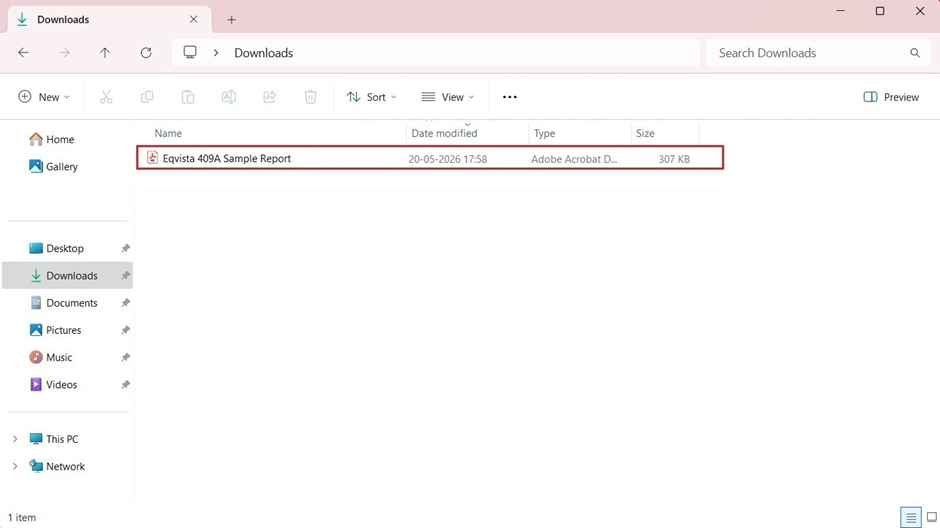
Double-click the PDF File to open the downloaded file.
#2 Edit
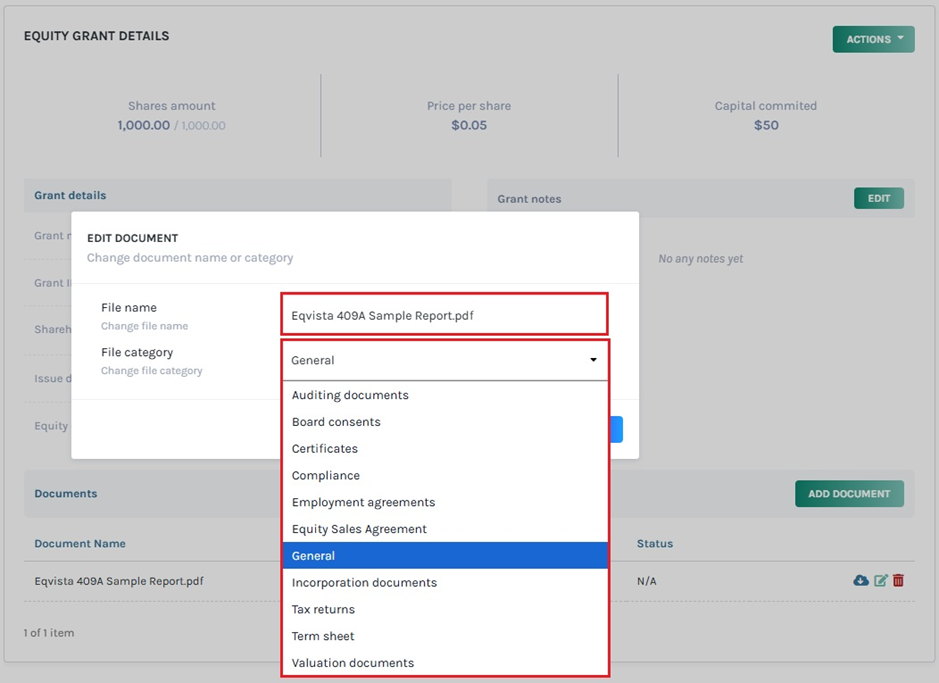
The file name and the category can be edited by clicking on:
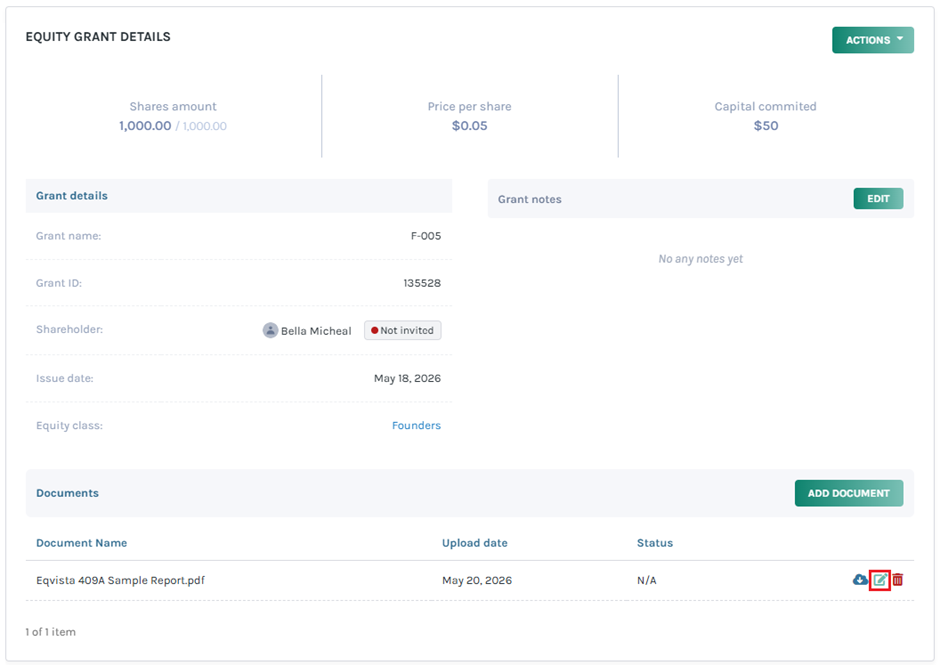
When you click this, a pop-up panel appears to edit the file name and choose a category from the drop-down list.
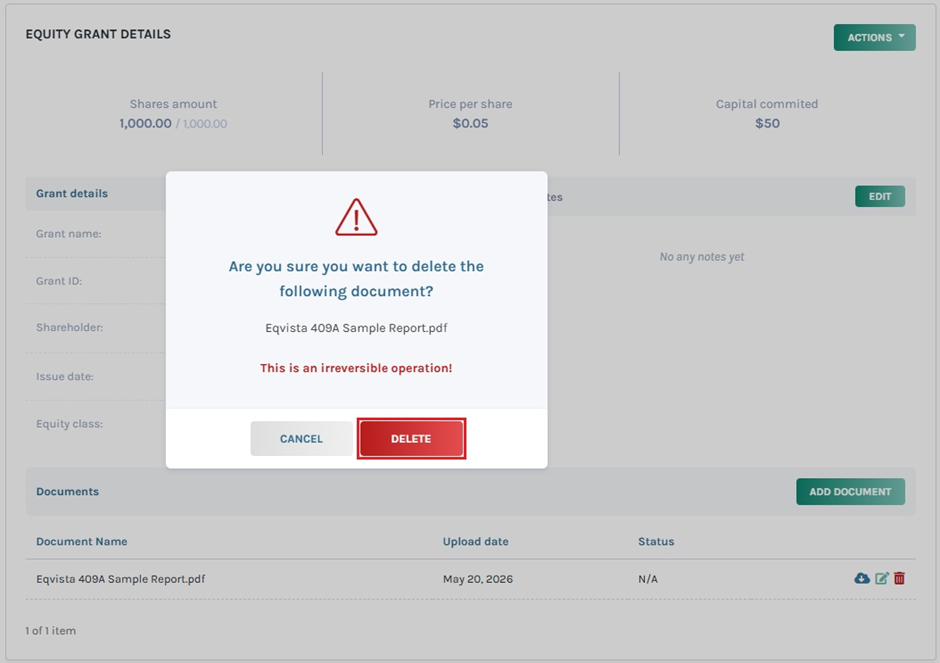
#3 Delete
If you want to delete the uploaded file, then click on:
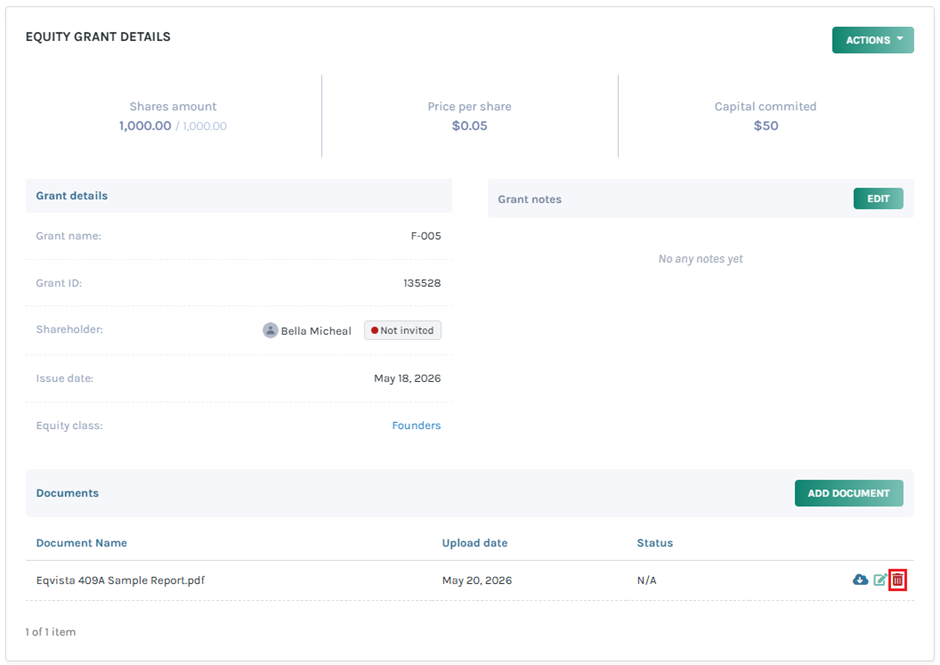
By clicking on this, a dialogue box appears, and you will be asked if you are sure that you want to delete the file.
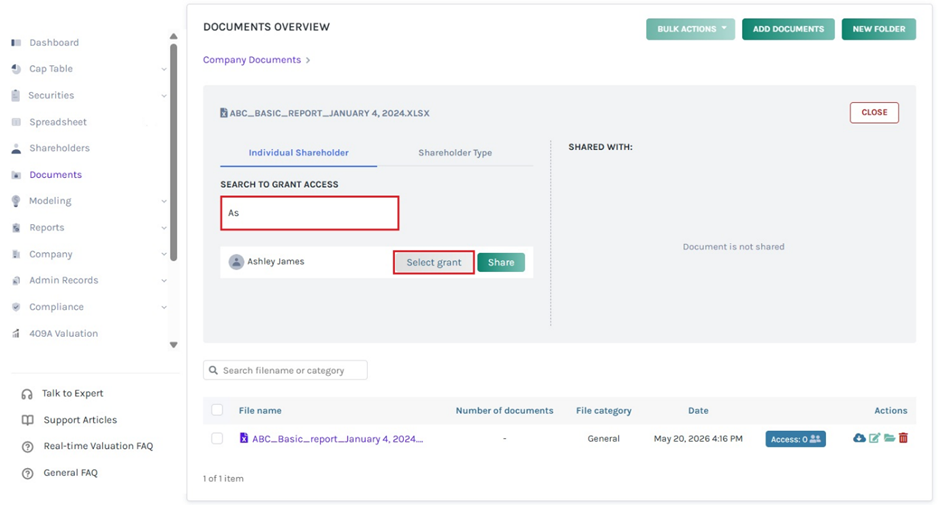
Sharing documents
When sharing documents with stakeholders, there is an option to add documents to the grant.
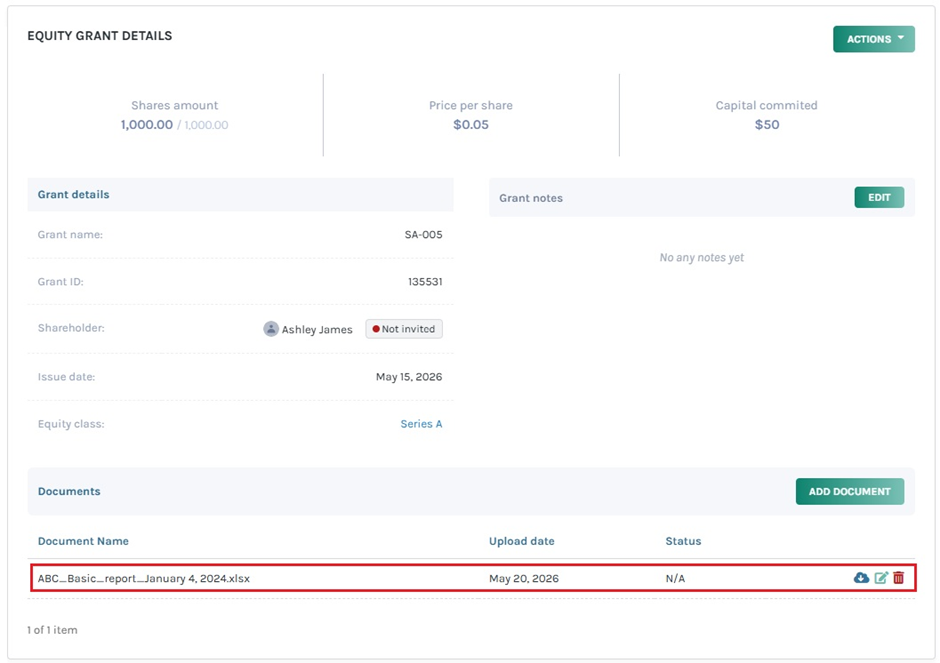
The documents attached can be viewed, downloaded, edited, and deleted.
Shareholder acceptance
For shareholder acceptance, there is an option to attach a document, or only a signature is required for acceptance.
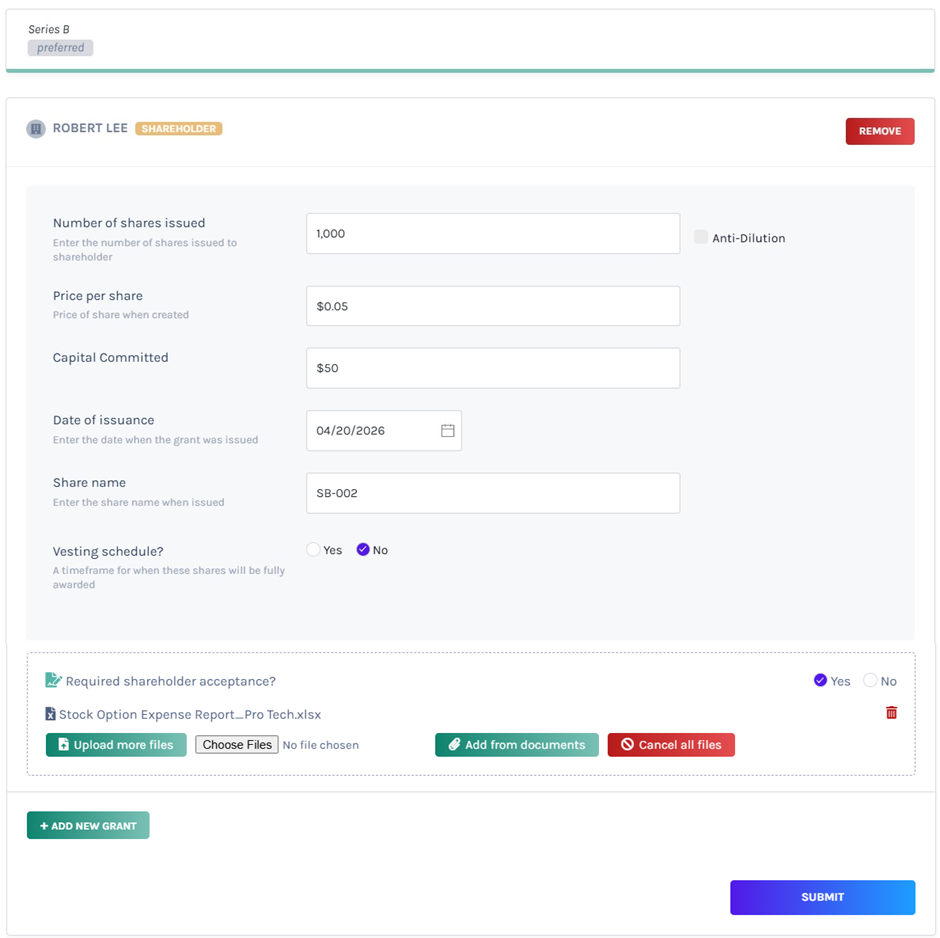
In this case, the document attached can be downloaded.
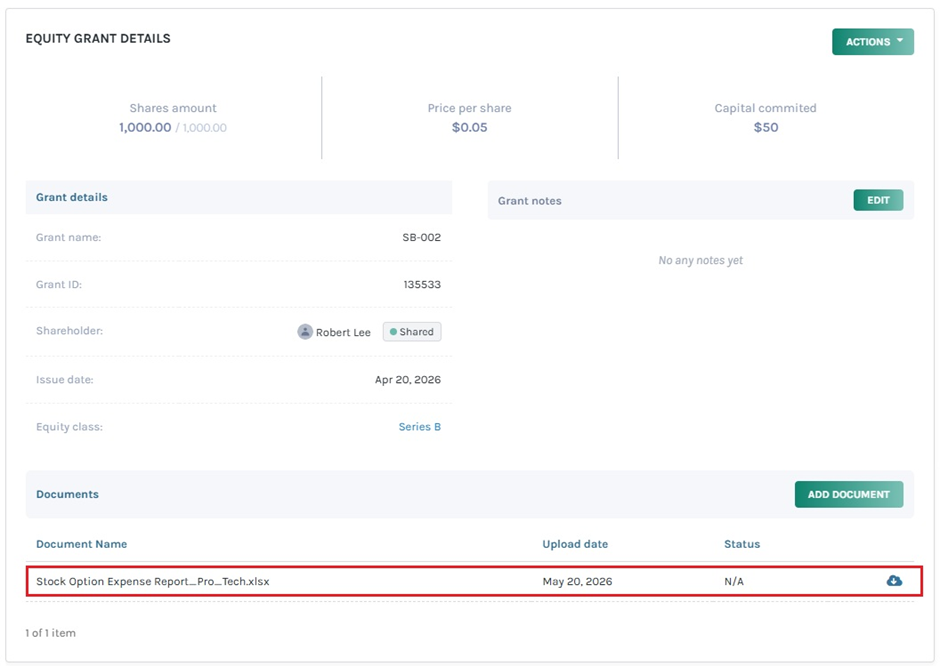
Certificates and agreements
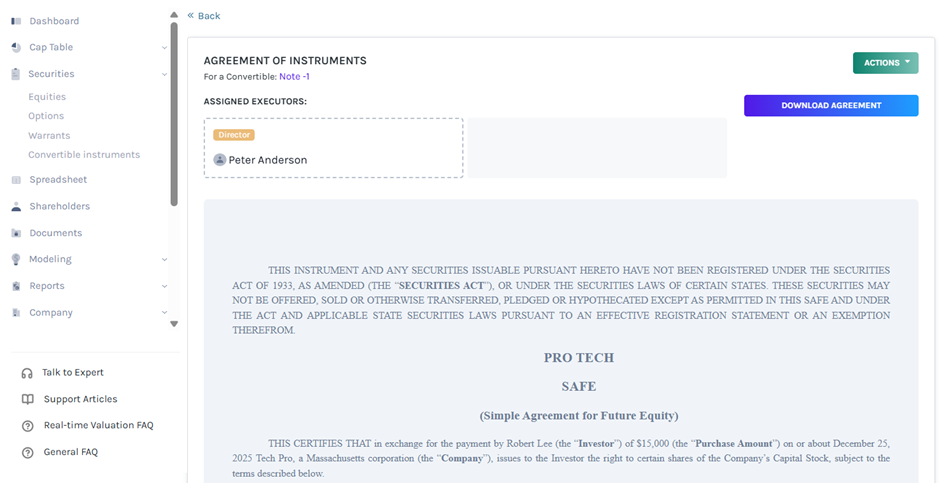
The created certificates, SAFE, and option agreements are displayed under the document section in the grant.
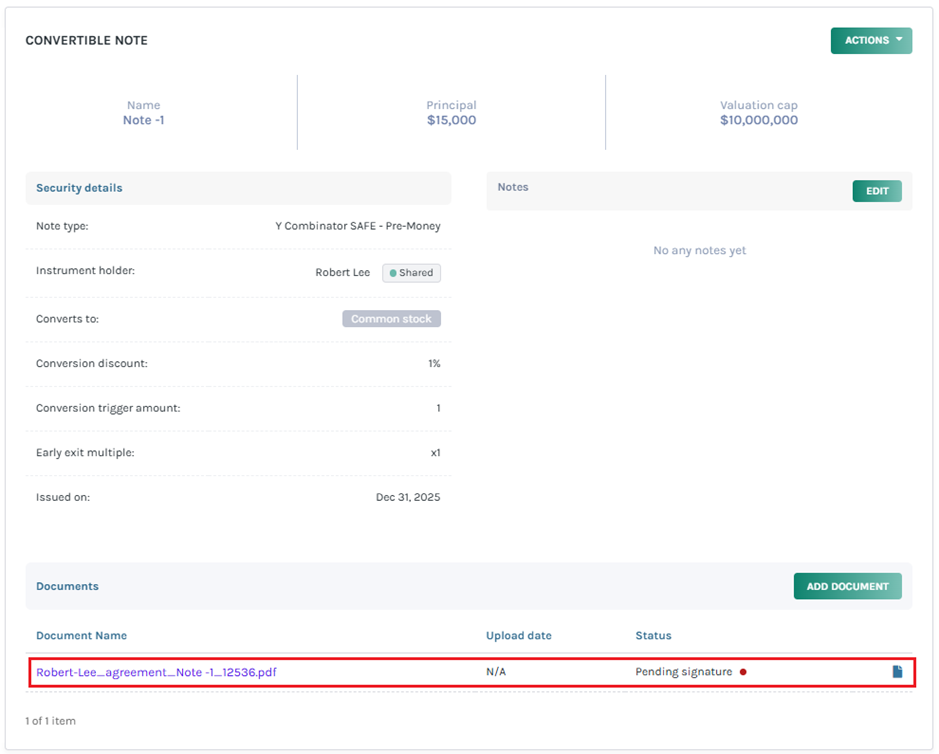
In this case, the created SAFE agreement can be viewed under the documents section in the grant.
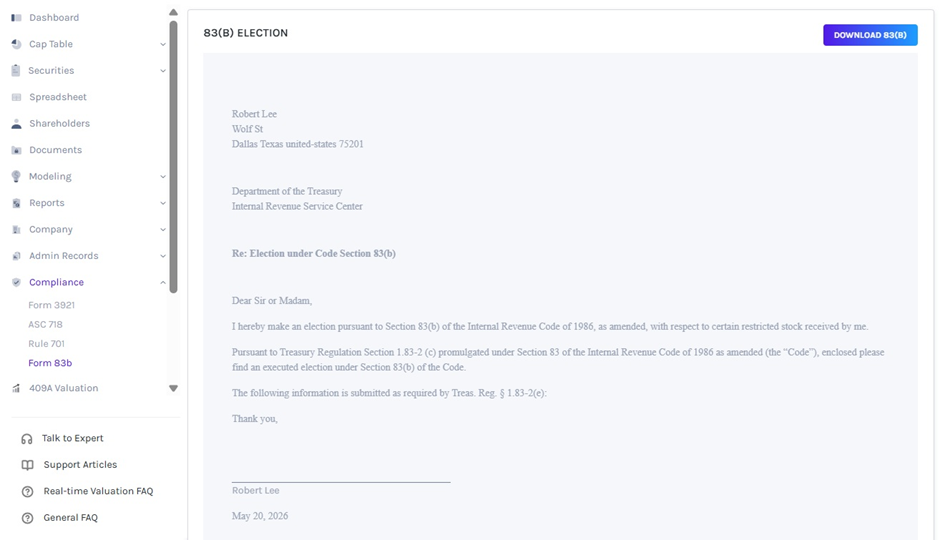
83(B) Election
When the 83(B) election is generated, it is displayed under the documents section in the grant.
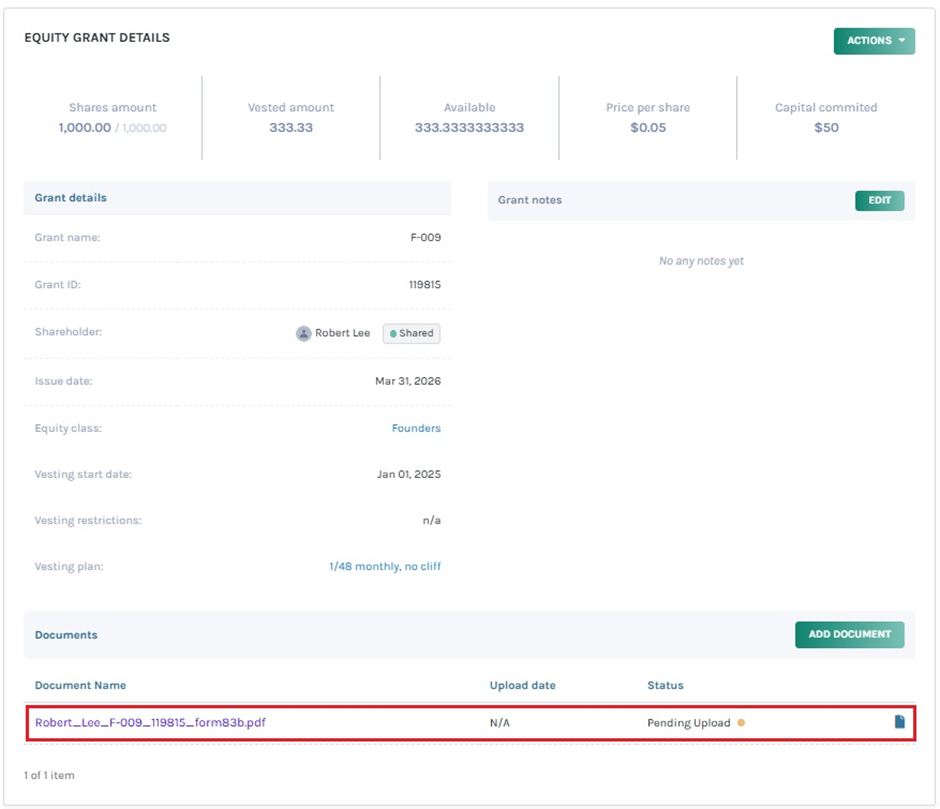
In this case, the 83(B) election can be viewed under the documents section in the grant.
To know more about Eqvista’s processes, check out our support articles and knowledge base. For further queries, get in touch with us today!
