How To Download Summary Report In Cap Table?
Eqvista allows you to download a summary report directly from the cap table section of the application with just a few clicks.
What is a summary report?
A summary report helps track and analyze the equity ownership structure of the company. This report includes a list of all shareholders, the kind of securities in the company, ownership percentage, and capital committed. The report not only displays the cap table but also summarizes all the issuances that have taken place in the company.
Here are the steps to follow:
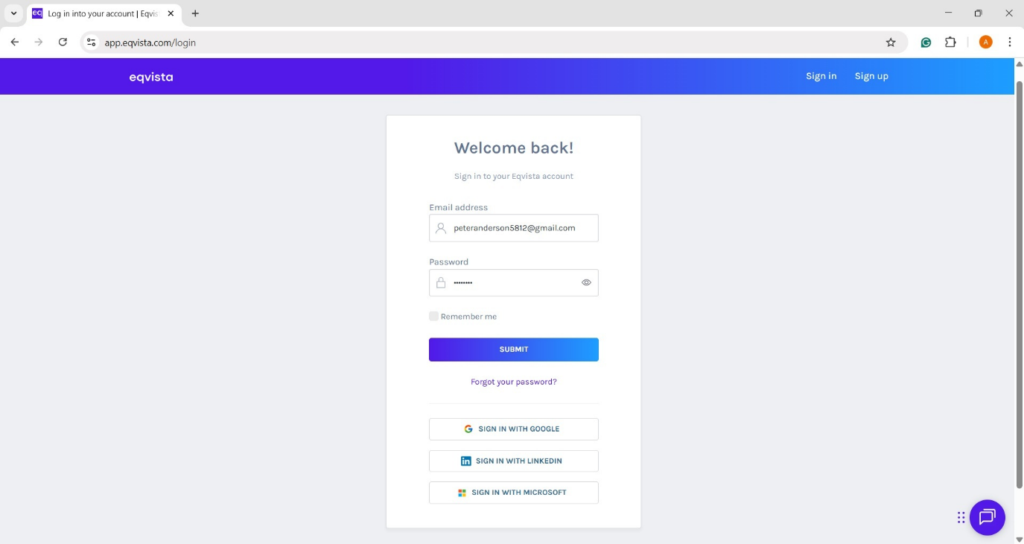
Step 1: Log into Eqvista and select your company account.
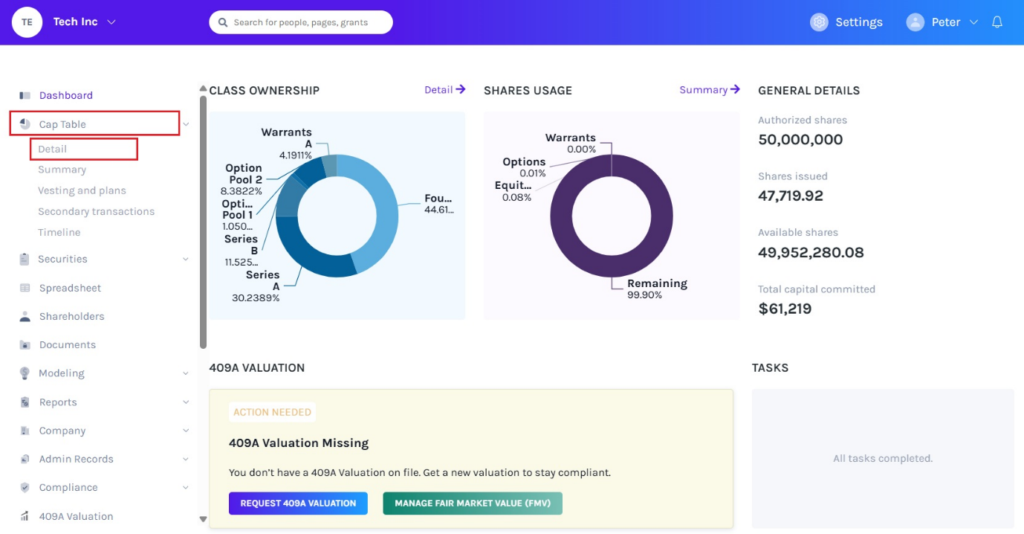
On the dashboard, click on “Cap Table” on the left side to get a drop-down menu and select “Detail”.
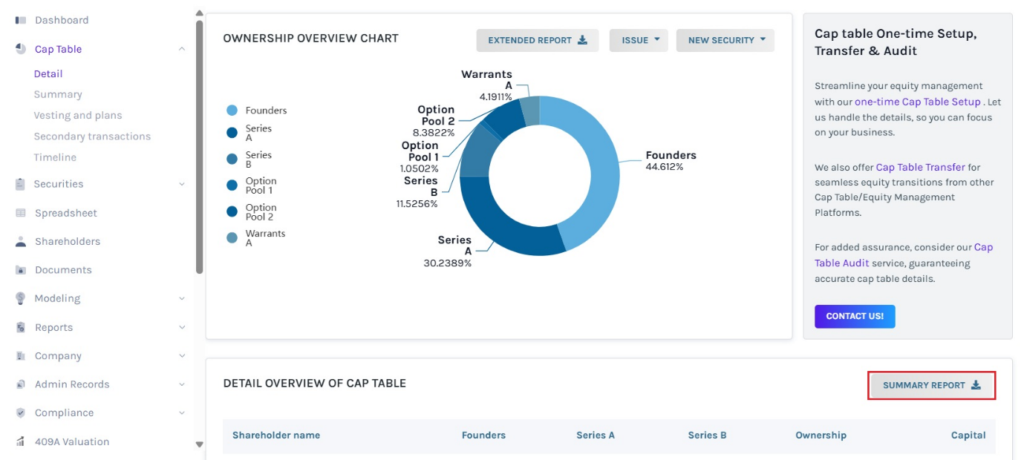
Step 2: Once you do this, you will be directed to the following page. You can download a summary report by clicking “Summary Report” as shown below.
Step 3: Then, the report will be downloaded as an Excel sheet in your Downloads.
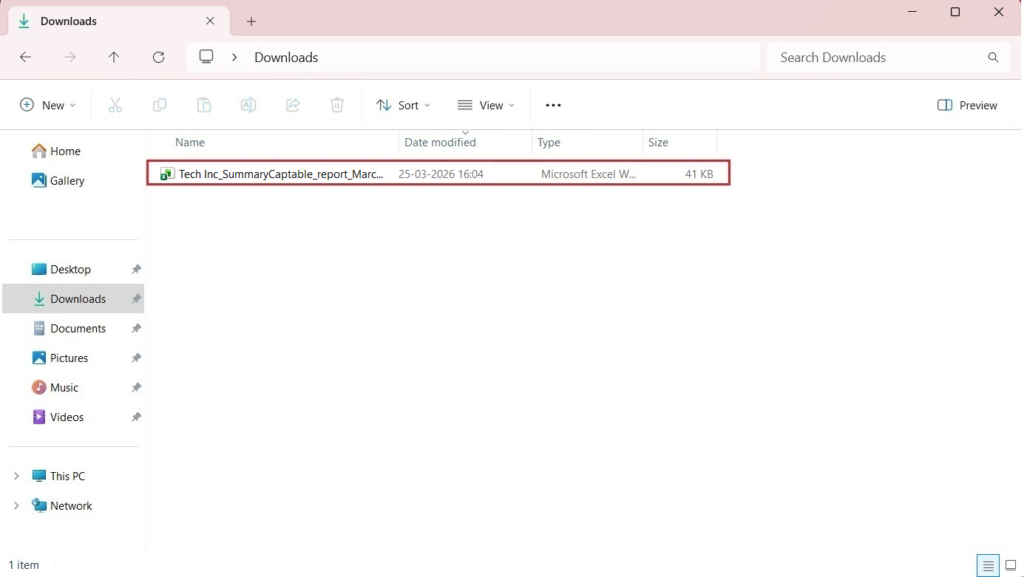
Step 4: Double-click the Excel sheet to open the downloaded report.
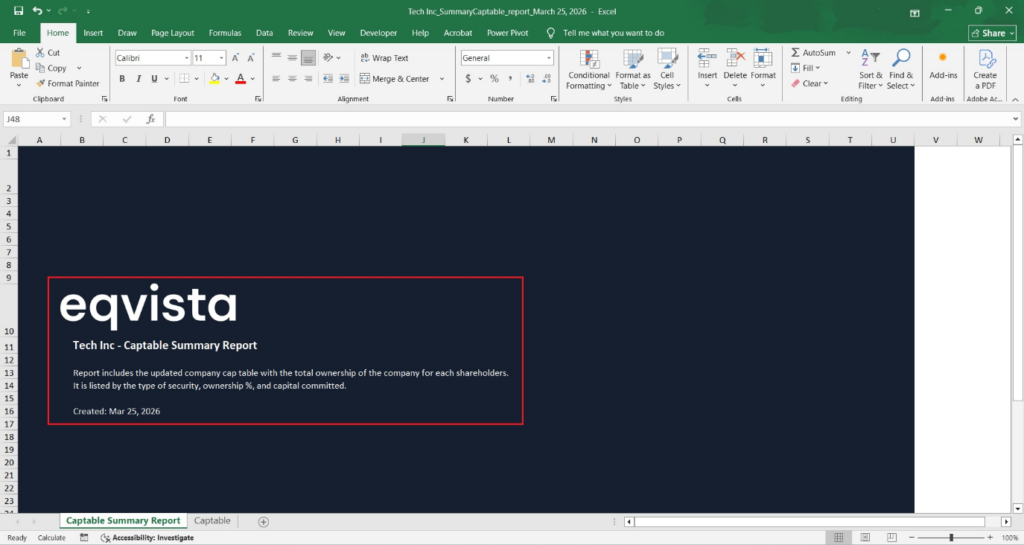
The report has two sheets. The first sheet is a cover that tells you what the report is about and what you will find in it, along with the company name.
Step 5: Click on “Captable” to view the second sheet, as shown below.
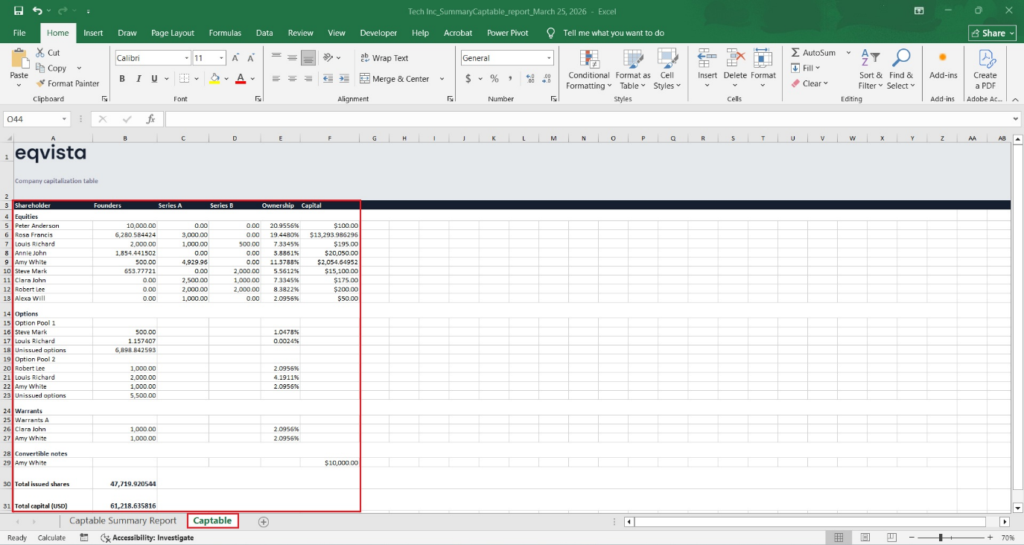
Here, you will be able to see the shareholders in the company, the number of shares, the ownership percentage, the kind of equity they own, and the capital committed. You can also view all the shares, options, warrants, and convertible notes issued.
The end of the report will show the total shares issued and capital committed in the company.
If you want to understand Eqvista, check out our support articles or contact us today!
