Shareholders Report
A shareholders report holds all the updated information about the shareholders of the company.
What is a Shareholders Report?
The shareholders report has a list of all shareholders, type or role each shareholder plays in the company, along with the shareholder details, when they were created, terminated, and notes (if any). Generating a shareholders’ report on Eqvista is just a few clicks.
Here are the steps to follow:
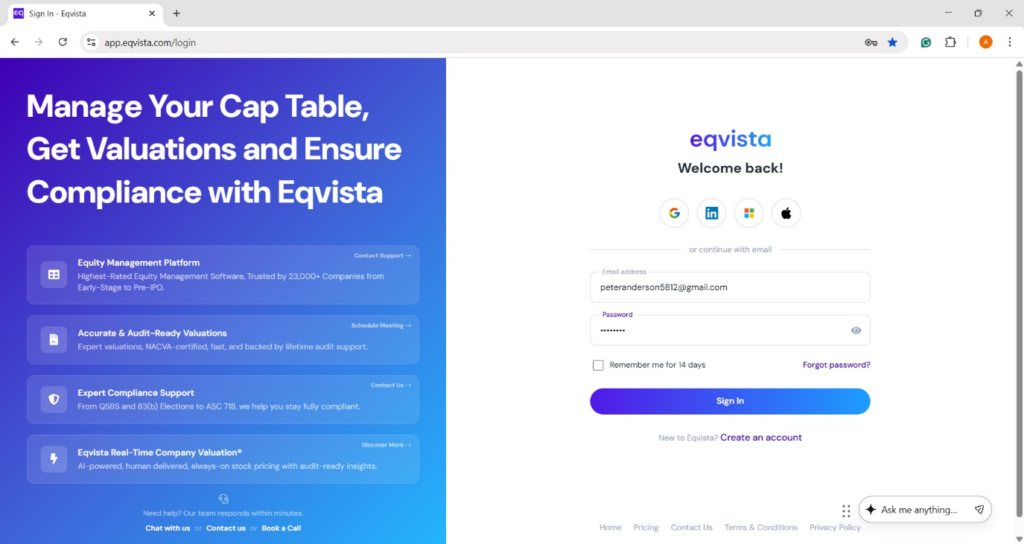
Step 1: Log into your Eqvista account and choose the company account.
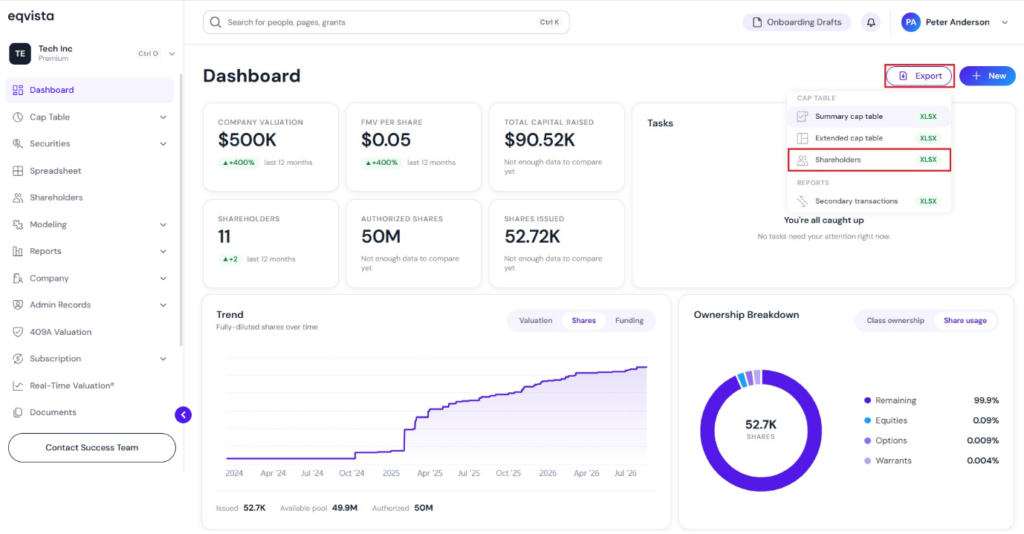
On the dashboard, click on “Export” on the right side to get a drop-down menu and select “Shareholders”.
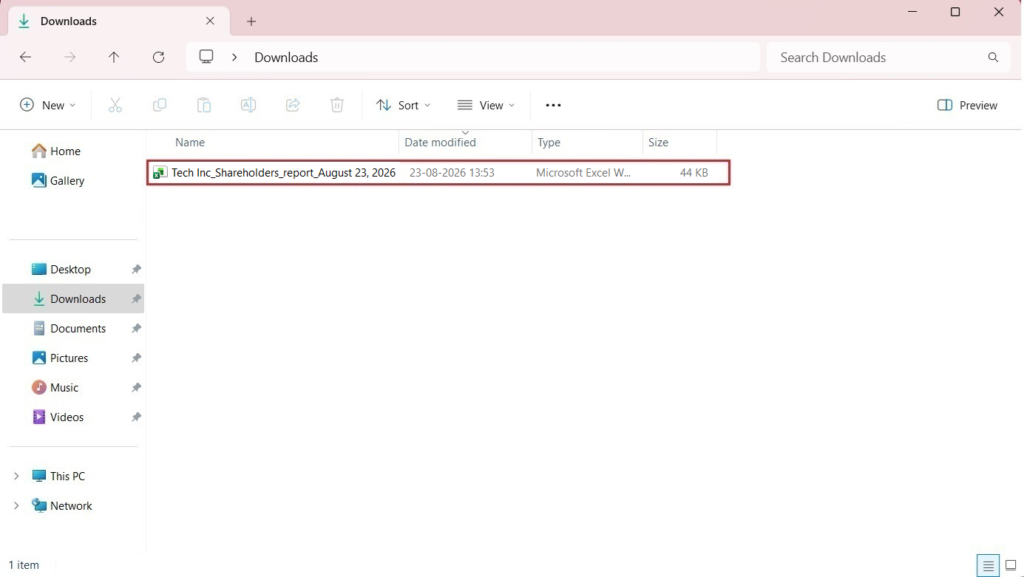
Step 2: Once you click, the report gets downloaded as an Excel sheet in your Downloads.
Step 3: Double-click the Excel sheet to open the downloaded report.
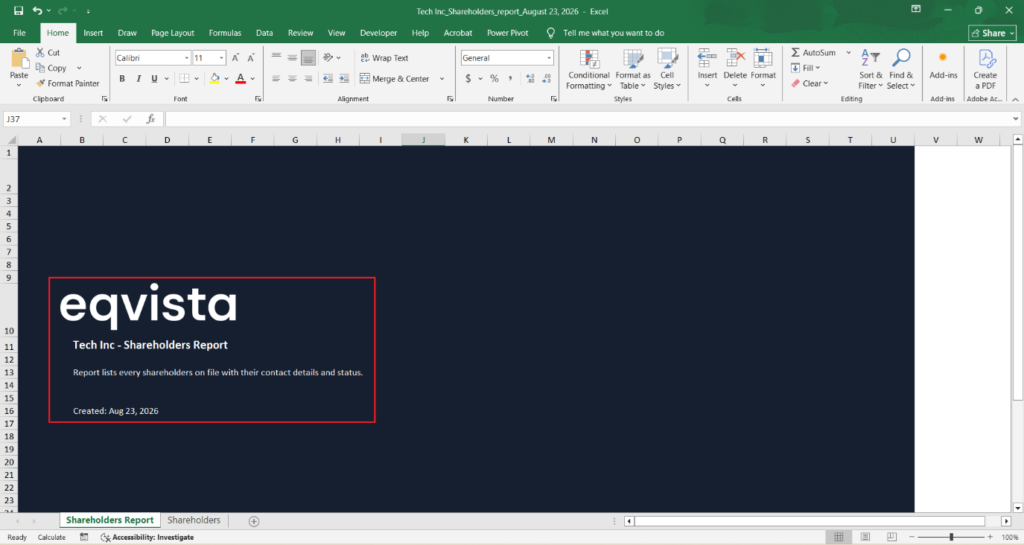
The report has two sheets – Shareholders Report and Shareholders. The first sheet is a cover that tells you what you will find and the company name.
Step 4: To view the company’s shareholders, click on the “Shareholders” tab, which is the second sheet.
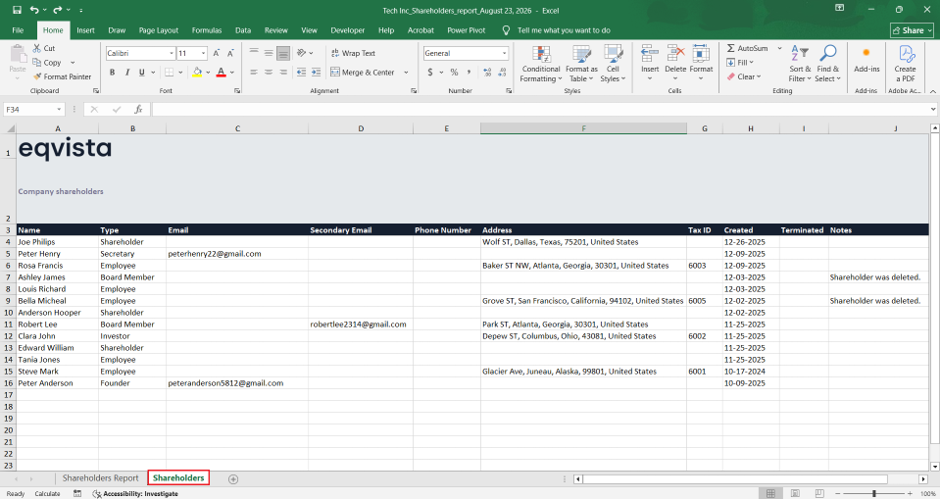
Once you click on the “Shareholders” tab, the sheet will open up showing you all the shareholders in the company. The type or role each shareholder plays in the company, along with the shareholder details such as:
- Email and Secondary Email: If an email address has only been recorded but an invitation has not been sent, it will appear only under “Secondary Email“. Once an invitation has been sent, the email address will also appear under “Email“.
- Phone Number, Address, and Tax ID
- Terminated
- If shareholders have been deleted, it appears as “Shareholder was Deleted” under the column “Notes”.
For more information on Eqvista, check out our support articles or get in touch with us today!