How to Add and Edit Real Time Valuation?
On Eqvista, you can get a real-time valuation right from the application’s dashboard. It also records previous valuation results to help you keep track as your company grows.
Note: The real-time valuation feature is only available for 409A account holders. Kindly upgrade your account to unlock the feature.
Add and Edit Real-Time Valuation
Here are the steps to follow:
Step 1: Log into Eqvista and select your company account.
On the dashboard, click on “Real Time Valuation” on the left side, as shown below.
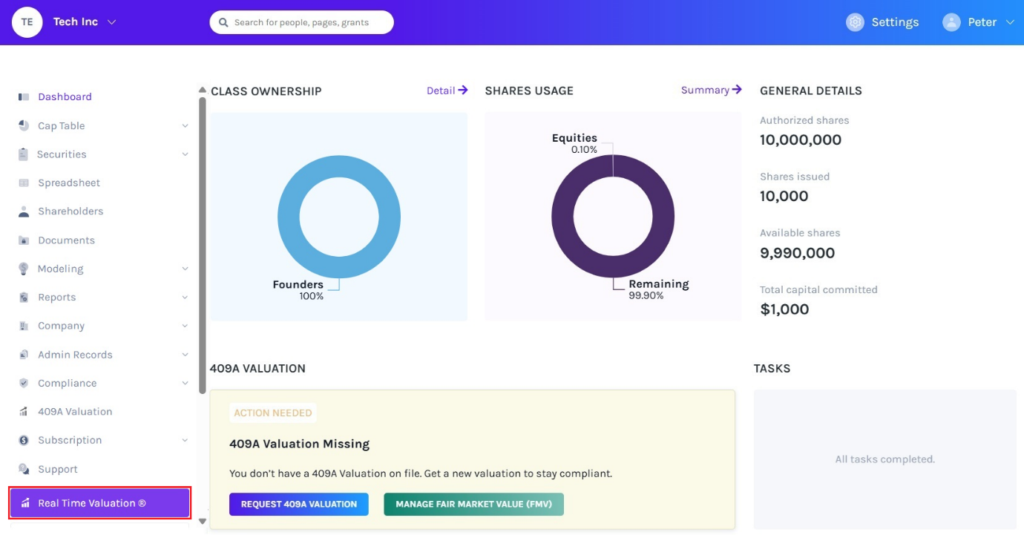
Step 2: Once you do this, you will be directed to the following page. You can add a real-time valuation right from here by clicking “Add Real Time Valuation”.
Note: On this page, click on “Request Real Time Service” to request real time valuation. Check out the support article to understand how to request real time valuation.
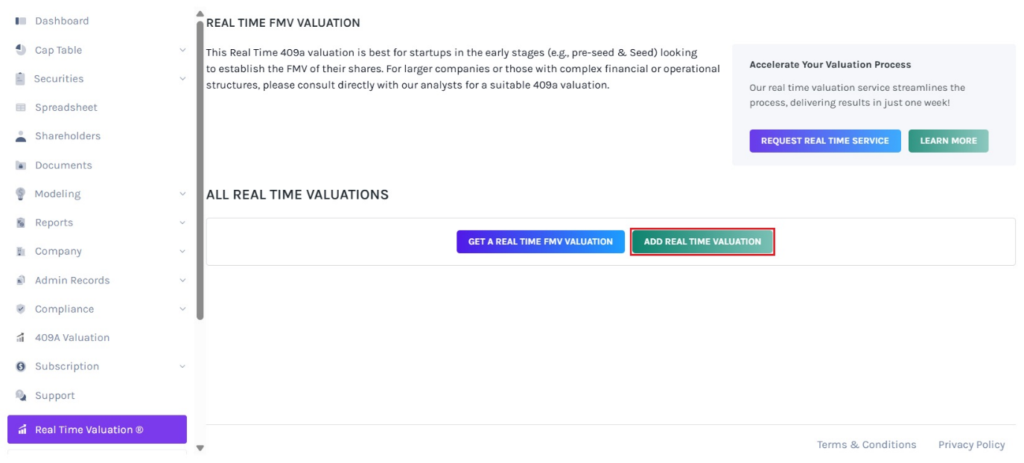
Step 3: Fill in the details such as the website, a short description, and industry, which gets automatically filled based on the website entered, valuation date, fully diluted shares, 1 year sales forecast, and whether you had a recent funding round or not.
If the funding round is “Yes”, enter the details such as price per share, funding date, and funding amount.
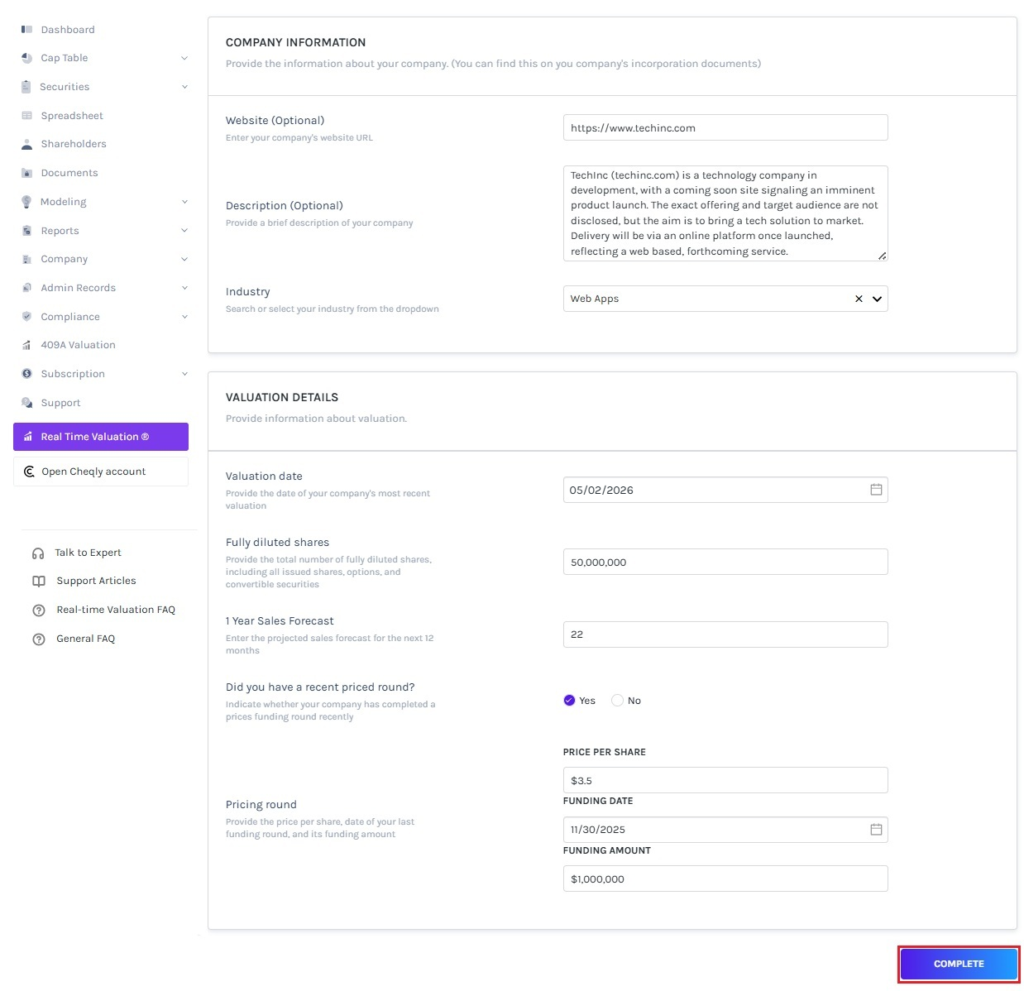
Once done, click on “Complete”.
Step 4: Then, you will be directed to the following page displaying the fair market value of real-time valuation.
Note: On this page, you can view the real-time valuation graph. To share your real-time valuation report, click on “Share”. Check out the respective support articles to learn more about it.
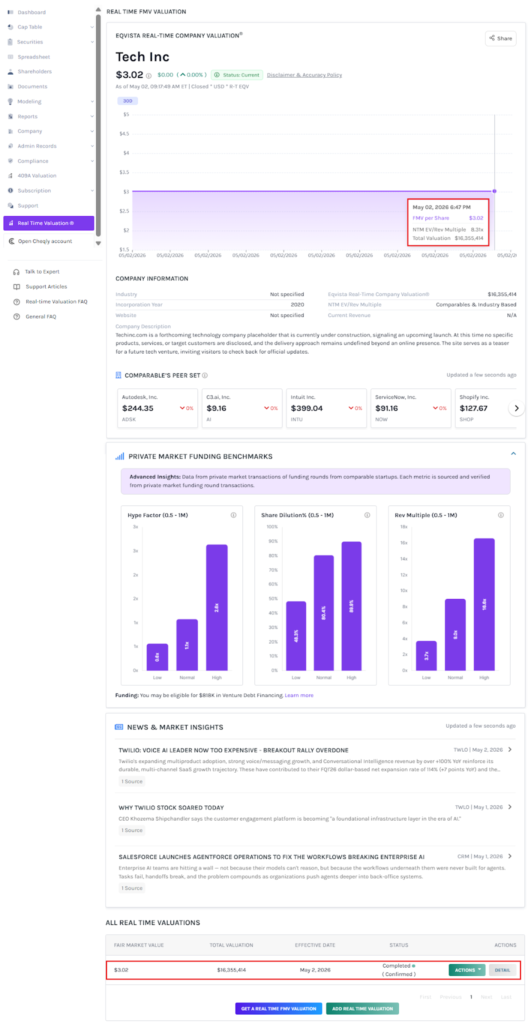
Step 5: The details of the real-time valuation can be viewed by clicking on “Detail”.
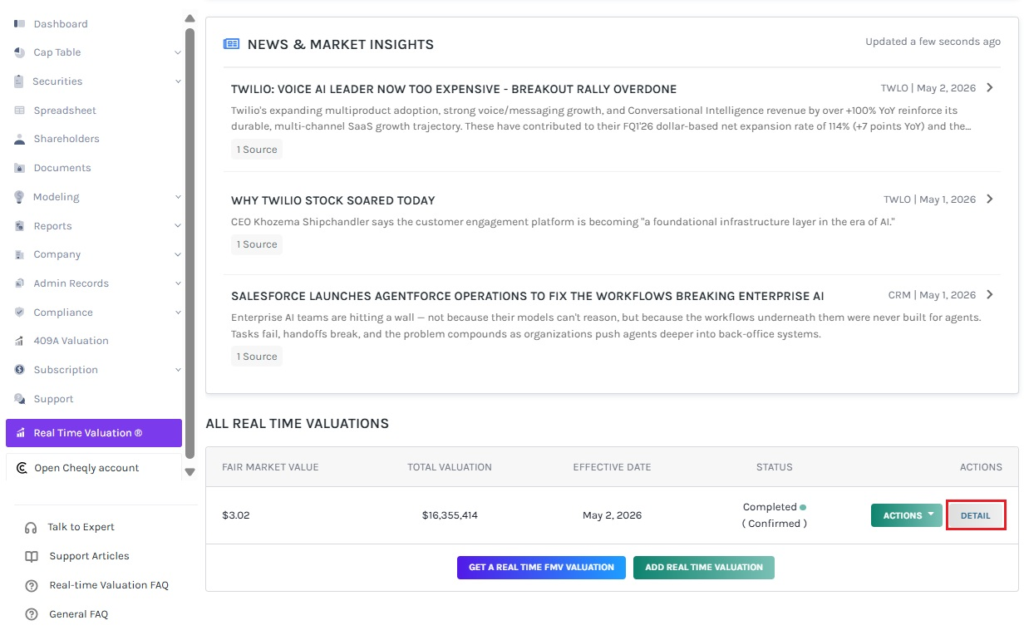
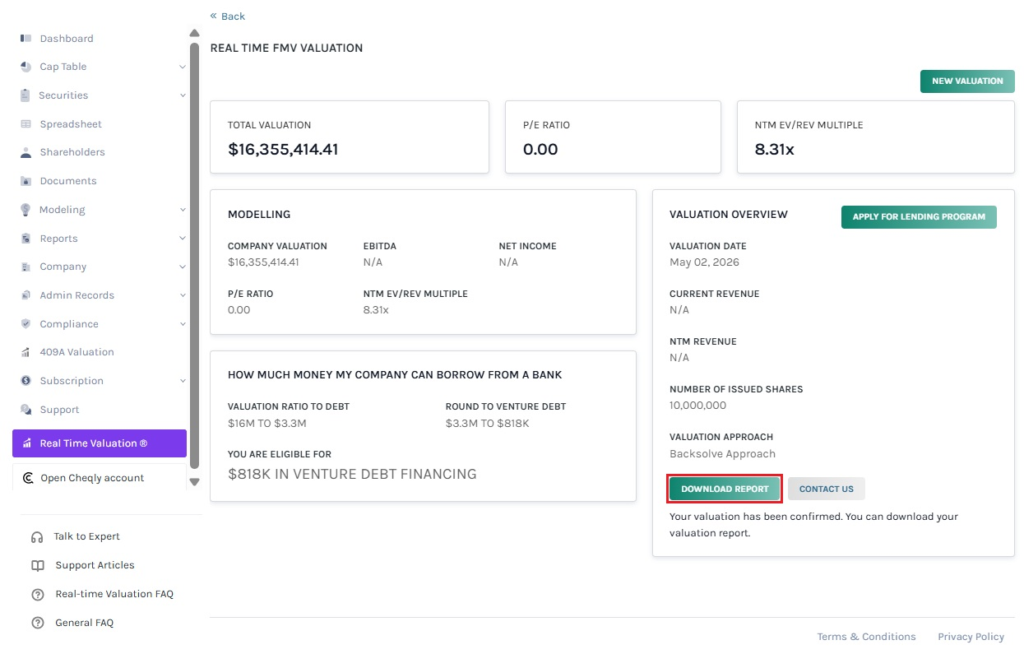
Step 6: On this page, you can view the details of the real-time valuation, as shown below.
Note: You can request a new valuation by clicking on “New Valuation”. Check out the support article to learn more about request real-time valuation service!
Step 7: Suppose you would like to edit the added real time valuation. Then, click on “Actions” to get a drop-down menu and select “Edit”.
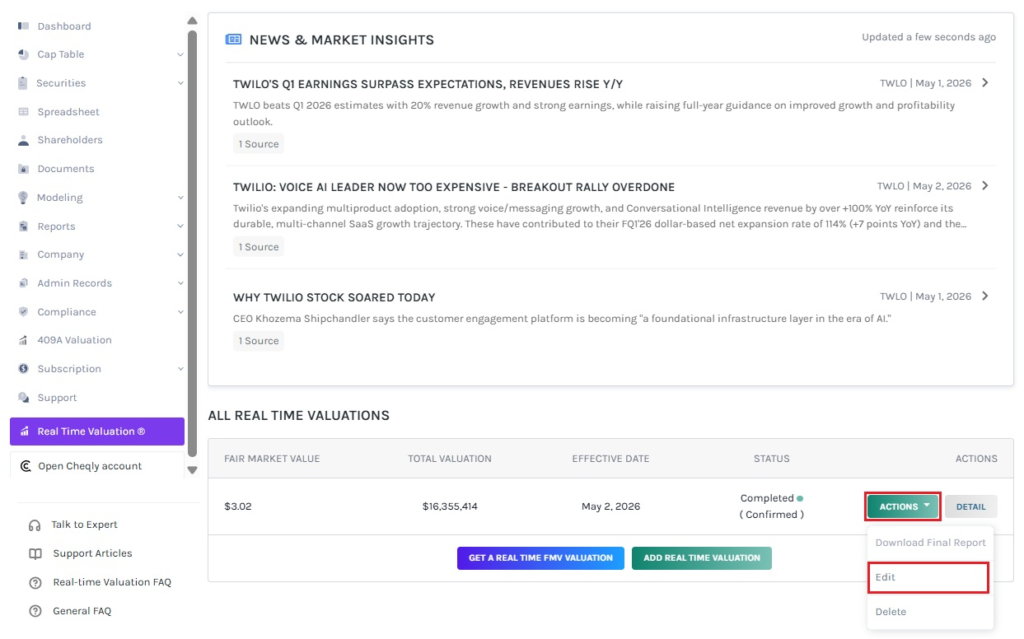
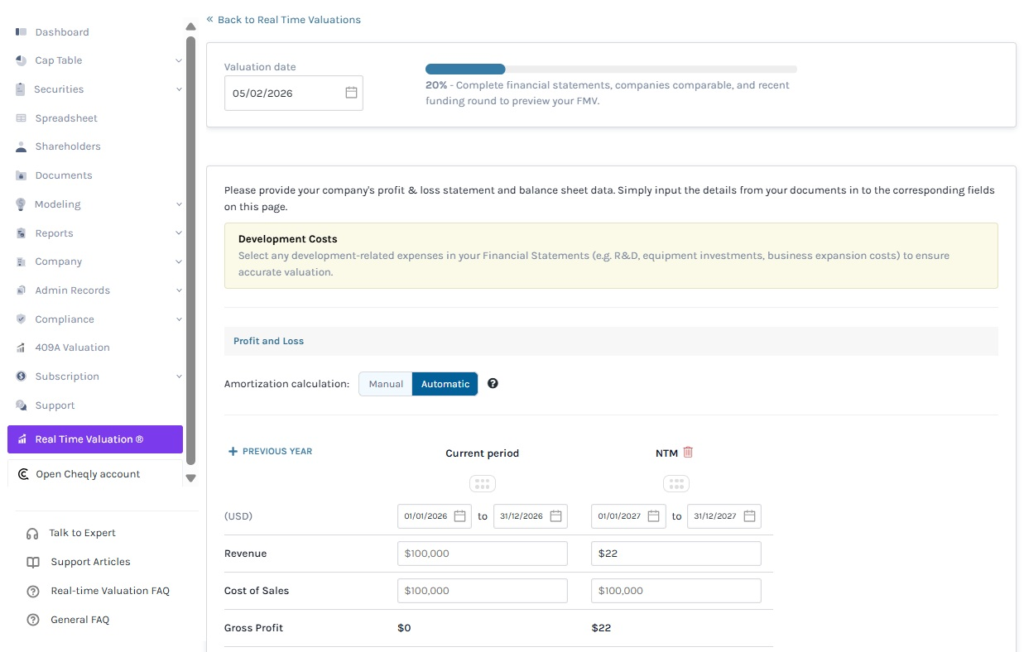
Step 8: Once you click, you will be redirected to edit the details of the real-time valuation.
If you want to understand Eqvista, check out our support articles or contact us today!
