How to Connect Quickbooks in Real Time Valuation?
Eqvista provides a real-time valuation right from the application’s dashboard. Additionally, you can connect QuickBooks to allow Eqvista to access your financial data and automatically generate quarterly real time valuations.
Note: The real-time valuation feature is only available for 409A account holders. Kindly upgrade your account to unlock the feature.
Quickbooks integration
The feature involves a QuickBooks connect, allowing Eqvista to automatically generate quarterly FMV valuations from your financial data
Here are the steps to follow:
Step 1: Log into Eqvista and select your company account.
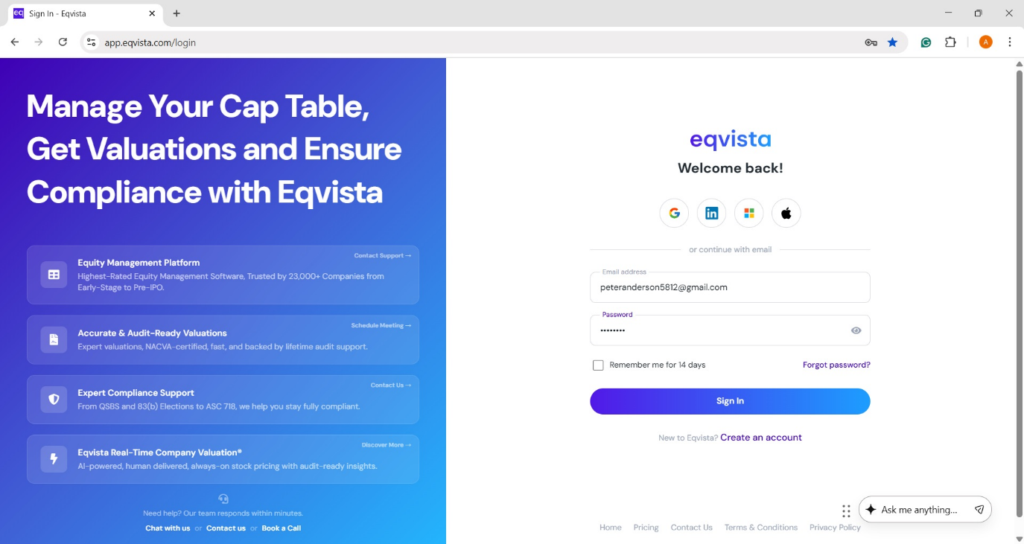
On the dashboard, click on “Real Time Valuation” on the left side, as shown below.
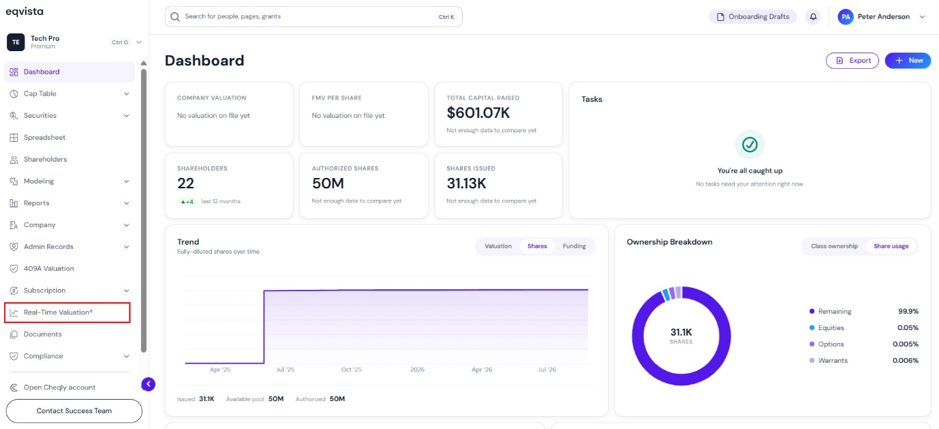
Step 2: Once you do this, you will be directed to the following page. You can connect to QuickBooks integration by clicking on “Connect QuickBooks”.
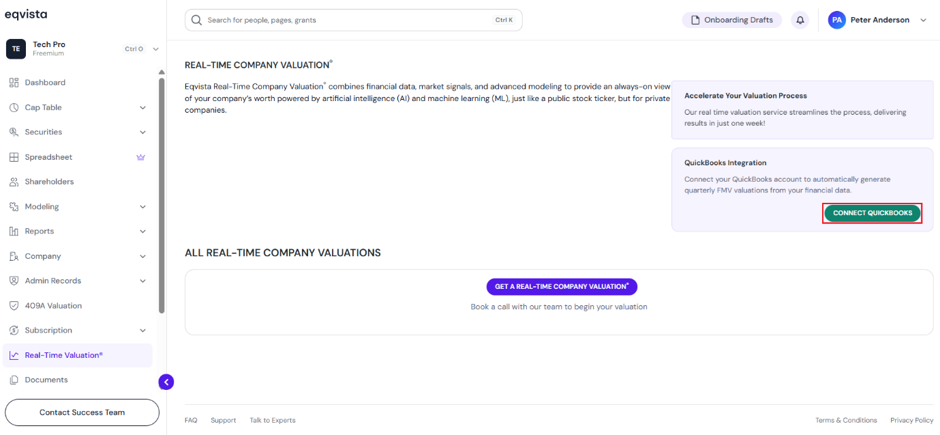
Step 3: Then, you will be redirected to enter the email or User ID of QuickBooks as shown below.
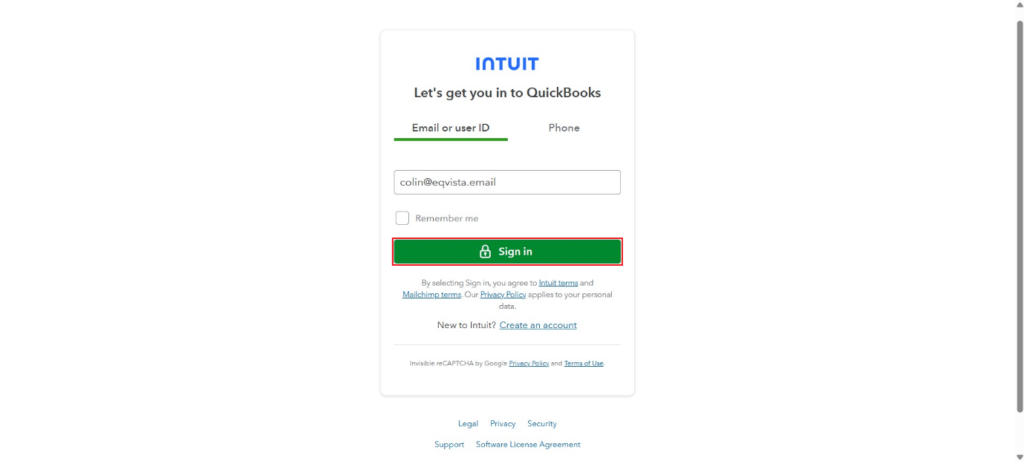
Once you click “Sign in”, you will be redirected to enter your password and click on “Continue”.
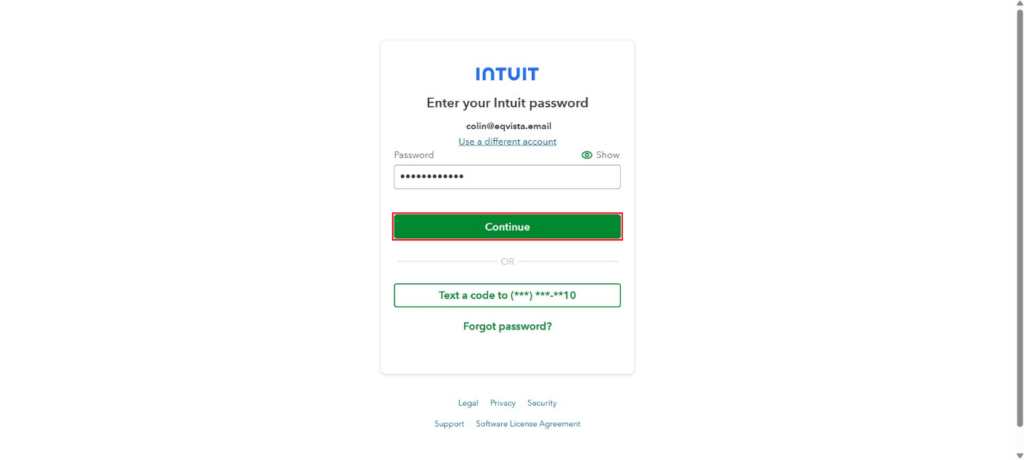
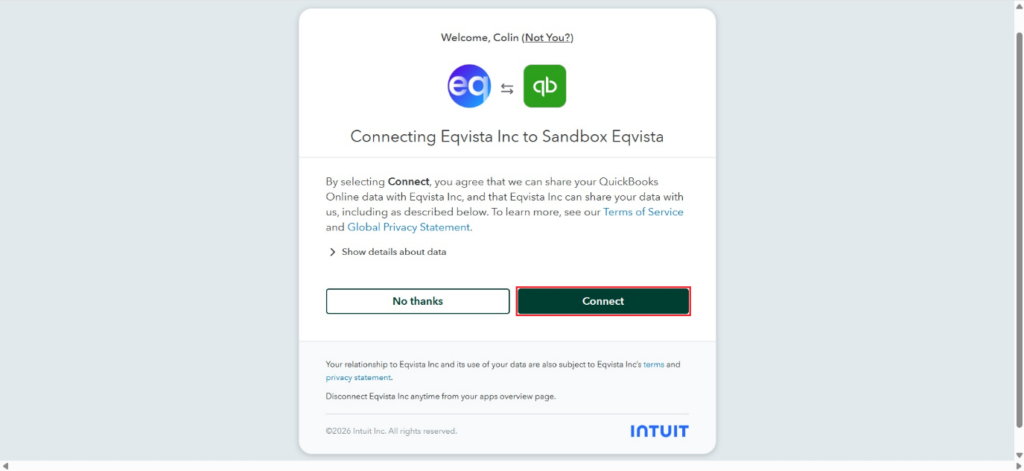
Step 4: Once you do this, you will be directed to the following page. By selecting “Connect”, you agree that we can share your QuickBooks Online data with Eqvista.
Step 5: Then, you will be directed to the page displaying the fair market value of real-time valuation and the source as “QuickBooks”.
Note: On this page, you can view the real-time valuation graph and to embed real-time valuation, click on “Embed”. To share your real-time valuation report, click on “Share”. Check out the respective support articles to learn more about it.
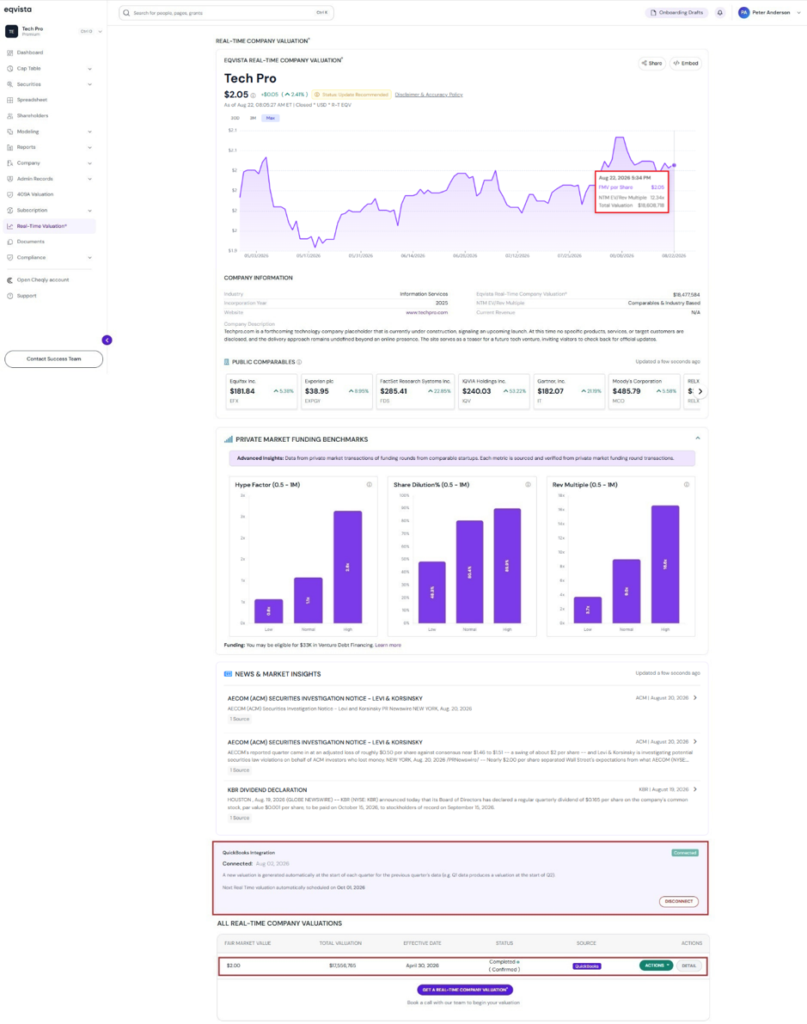
Step 6: The QuickBooks integration displays the status “Connected” along with details of the next real time valuation schedule, and an option to “Disconnect”.
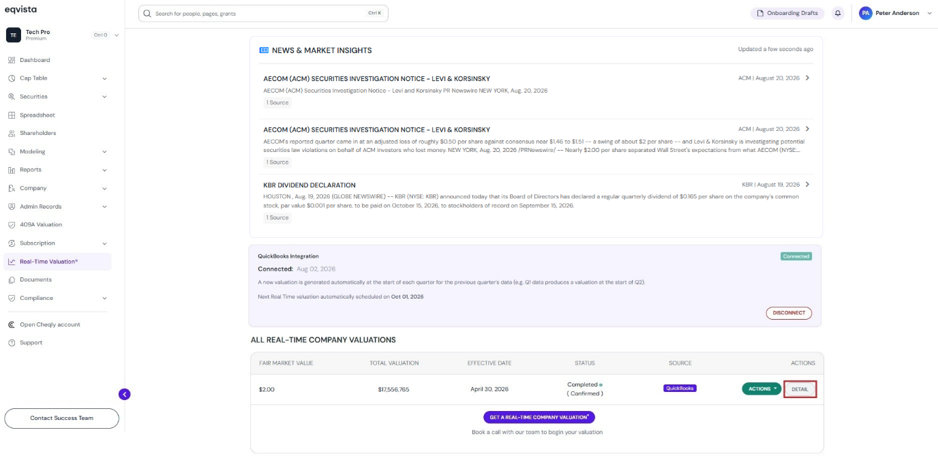
The details of the real-time valuation can be viewed by clicking on “Detail”.
Step 7: On this page, you can view the details of the real-time valuation, as shown below.
Note: You can request a new valuation by clicking on “New Valuation”. Check out the support article to learn more about request real-time valuation service!
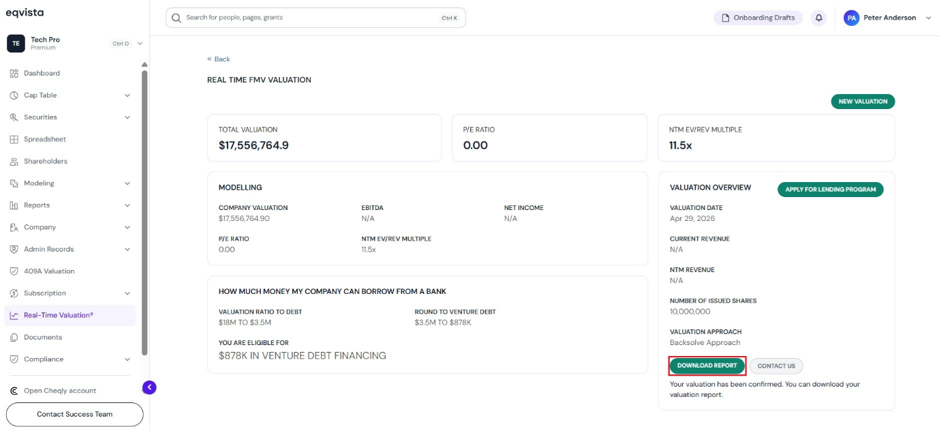
You can download the valuation report by clicking on “Download Report”.
Step 8: Then, the report will be downloaded as a PDF in your Downloads.
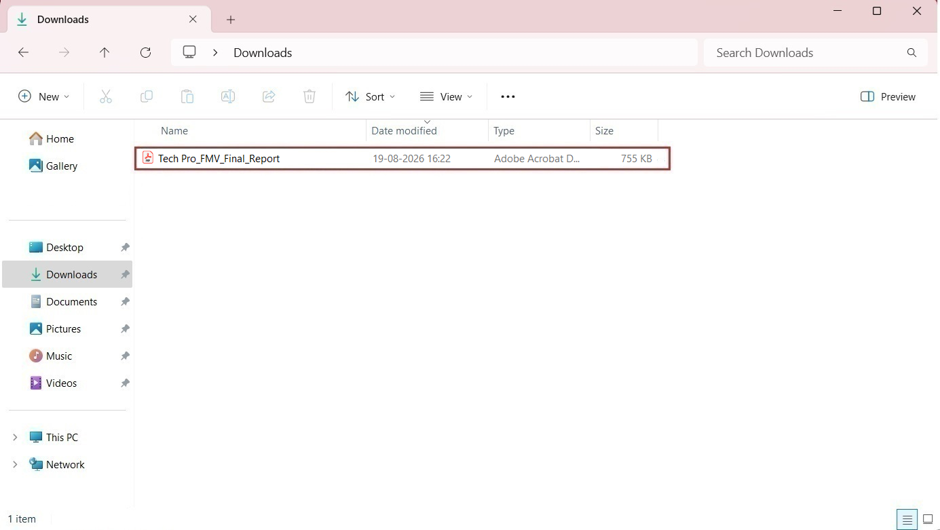
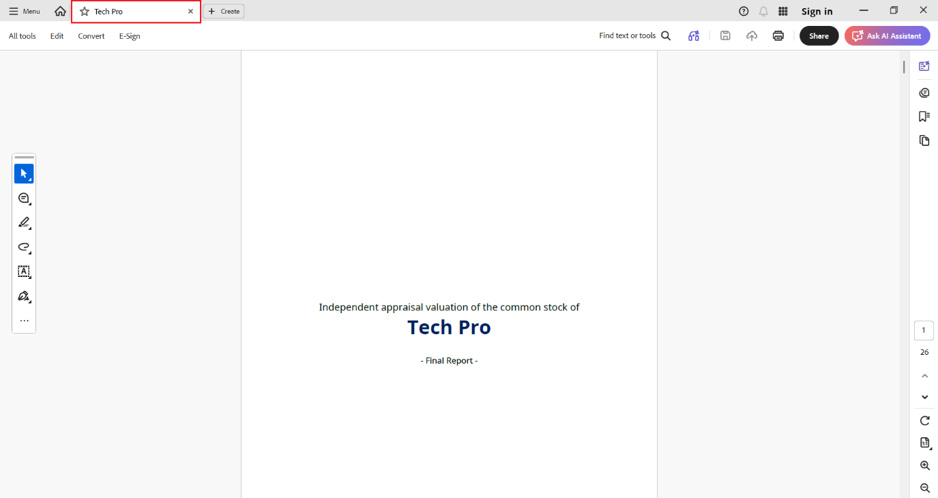
Double-click the PDF to open the downloaded report.
If you want to understand Eqvista, check out our support articles or contact us today!
