How to Share Your Real-time Valuation Report?
A real-time valuation performed by Eqvista calculates the fair market value of your company’s shares.
Note: The real-time valuation feature is only available for 409A account holders. Kindly upgrade your account to unlock the feature.
Share Real-time Valuation Report
On Eqvista, you can easily share your real-time valuation report.
Here are the steps to follow:
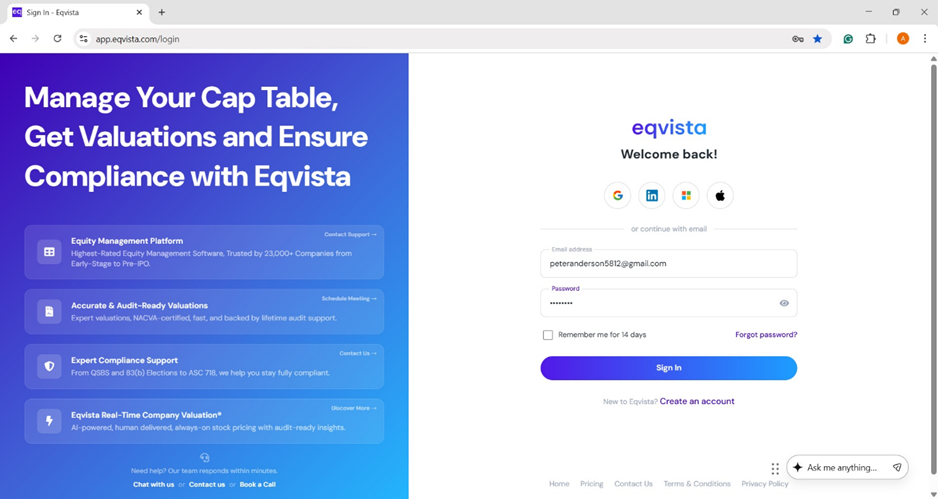
Step 1: Log into Eqvista and select your company account.
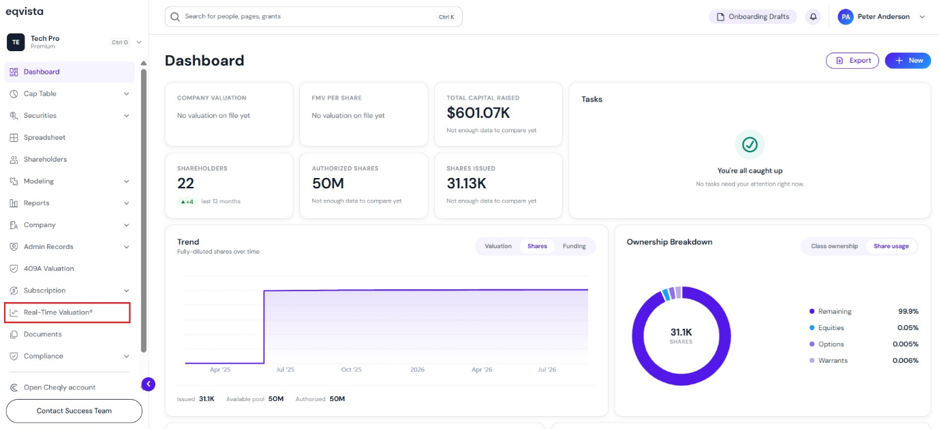
On the dashboard, click on “Real Time Valuation” on the left side, as shown below.
Step 2: Then, you will be directed to the following page displaying the real-time valuation.
Note: On this page, you can view the real-time valuation graph and to embed real-time valuation, click on “Embed”. Connect QuickBooks to import financials and build a real-time valuation automatically. Check out the respective support articles to learn more about it.
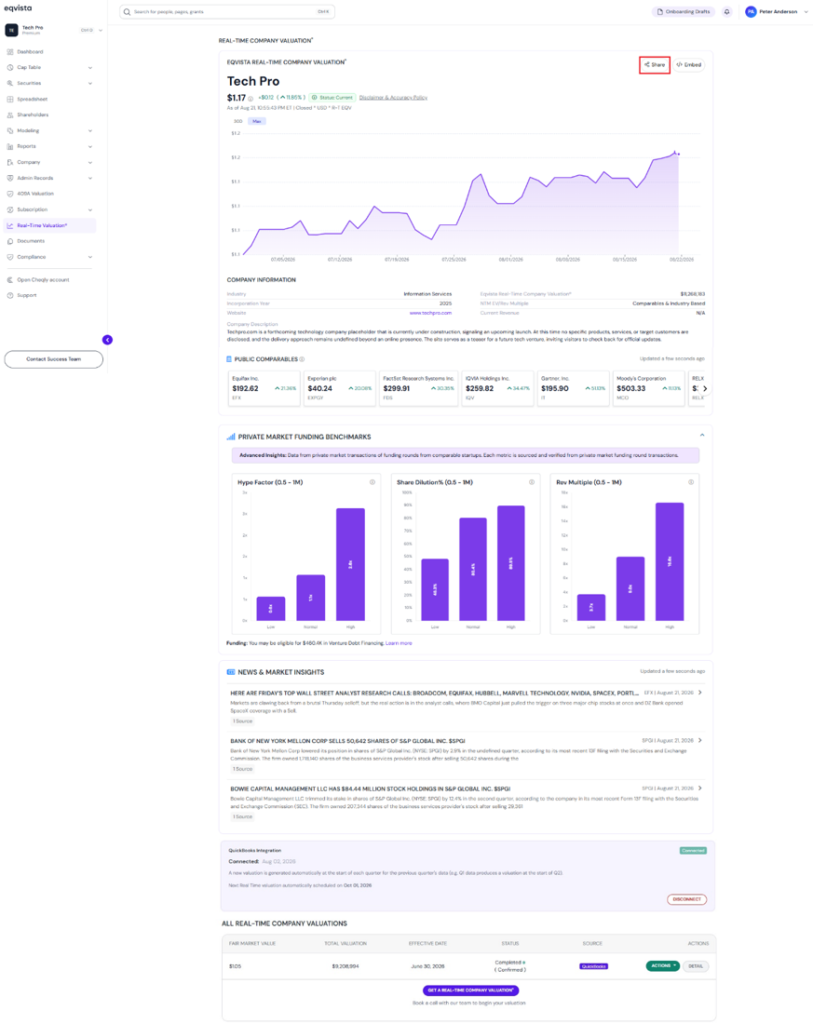
To share your real-time valuation, click on “Share”.
Step 3: Once you click, a pop-up panel appears with an option to search for the recipient’s email(s) by typing the first 3 letters. By default, the subject of the email is already filled and add a message if needed.
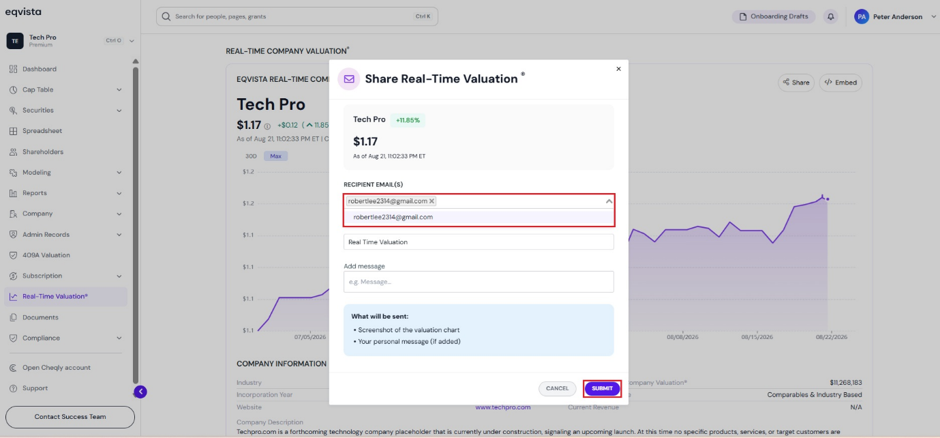
Once done, click on “Share”.
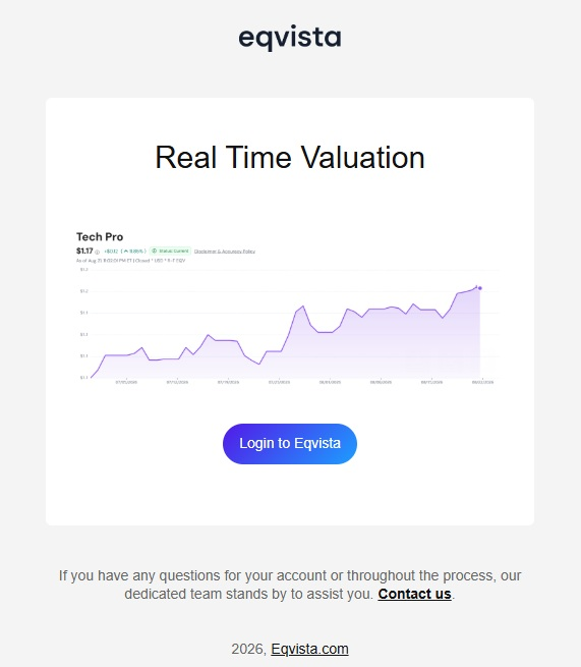
Step 4: Here is an example email that will be sent to the recipient, which will contain a screenshot of the valuation chart and any personal message if added.
If you want to understand Eqvista, check out our support articles or contact us today!
