How is phantom stock recorded in Cap Table?
Phantom stocks are useful financial instruments for any company. Let’s check out how phantom stocks are recorded in the Cap Table on Eqvista.
Record phantom stock
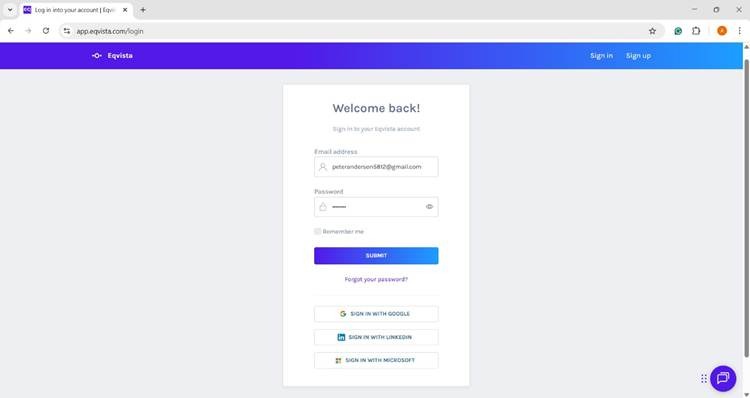
Step 1: Log into the Eqvista application and select the company account.
On the dashboard, click on “Securities” from the left-hand side panel for a drop-down menu and select the option “Equities”.
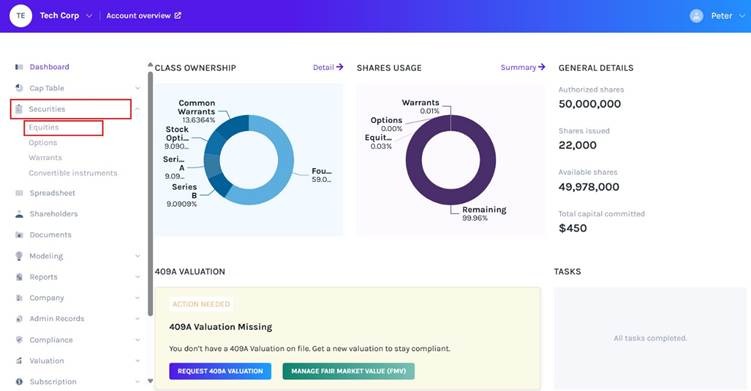
Step 2: For easy understanding, we will start from the Equity page view. You can learn about how Phantom stocks are recorded on the Equity page in detail from this support article.
Note: To know how to issue Phantom stocks, you can refer to this support article.
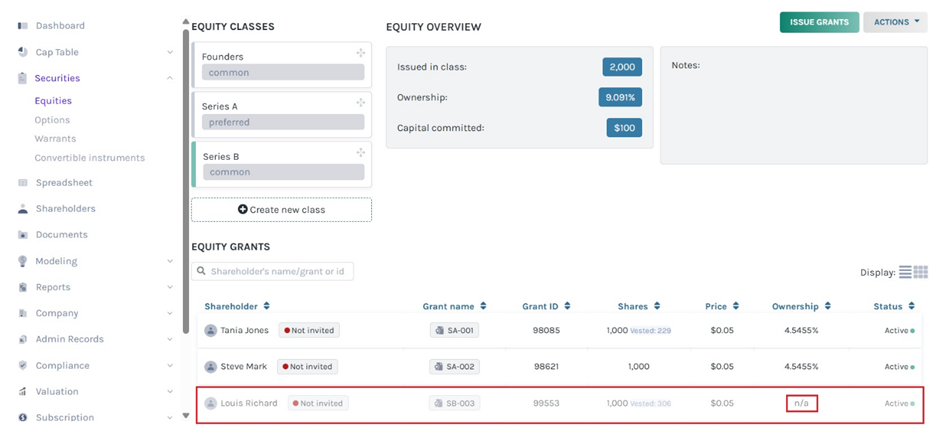
On the Equity page, the Phantom stock appears faded. In the image above, we have issued only phantom stocks to an individual ‘Louis Richard’.
Step 3: To check how it is recorded in the Company’s Cap Table go to the ‘Details’ tab under the ‘Cap Table’ menu. You will find the names of all the ‘Major shareholders’ displayed in the first column of the Cap Table.
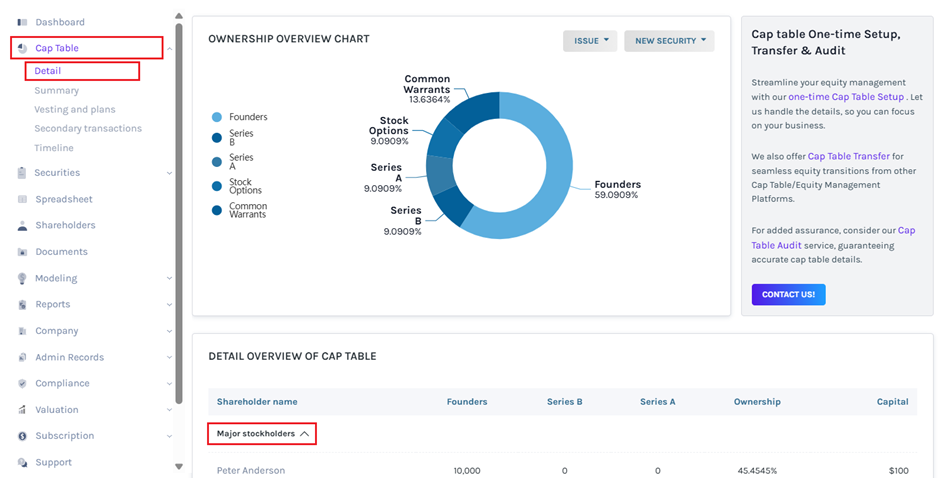
In the list of shareholders, the name or ownership details of ‘Louis Richard’ who only received phantom stocks are missing.
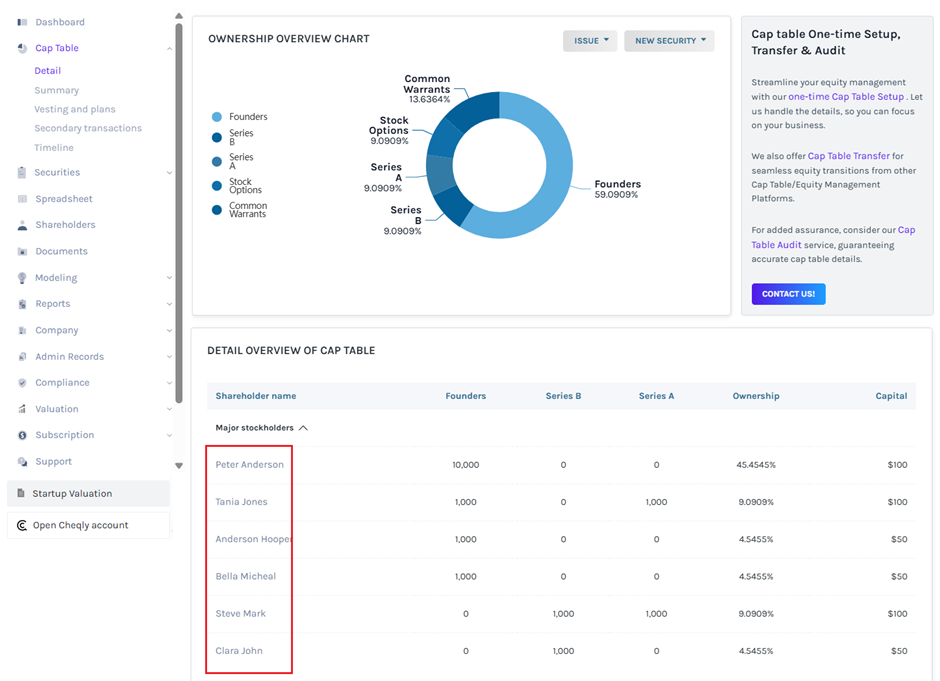
Phantom stocks are not included in the total number of stocks issued; therefore, they are not reflected in the Company’s Cap Table. To learn more about Phantom stocks, you can check out this support page.
